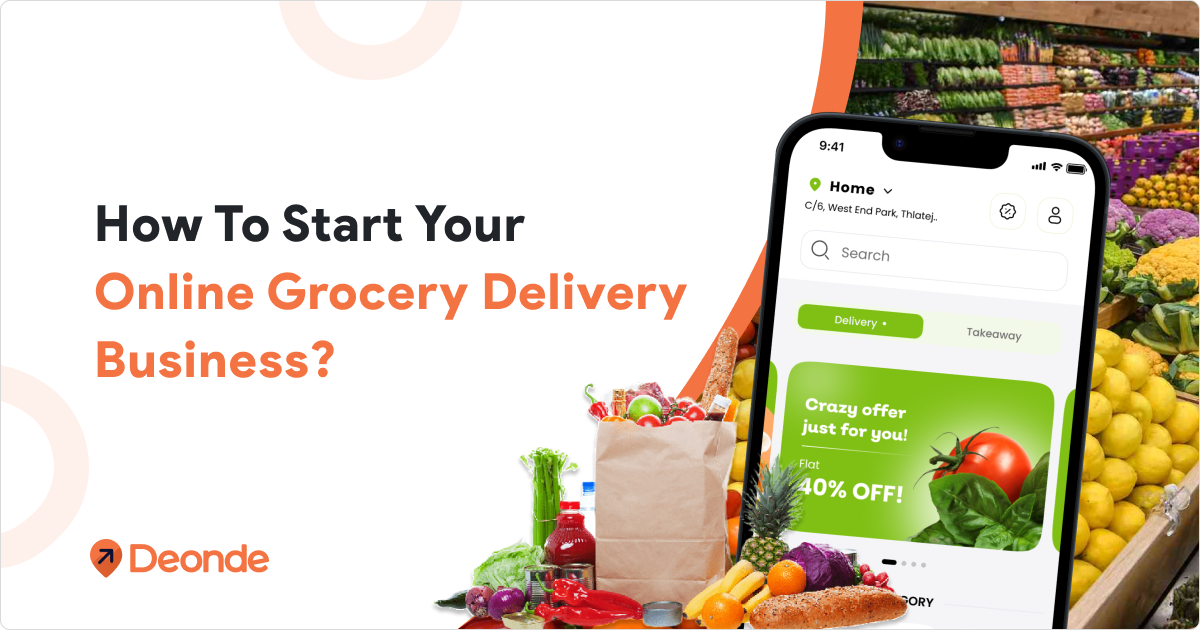
A grocery delivery app like Walmart runs on four connected systems: a branded customer app, a driver app, a store or picker app, and an admin panel, all synced in real time. Unlike single-vendor apps, it has to handle multi-store inventory, slot-based delivery, and item substitutions at scale.
The same architecture works whether you’re a regional supermarket chain or a kirana network moving its first stores online.
Walmart’s grocery division brought in $276 billion in net sales in fiscal 2025 — its single biggest category, and the one most retailers try to copy first.
The global online grocery delivery market is on track to grow from $0.91 trillion in 2026 to $2.43 trillion by 2031, a 21.68% CAGR, with omnichannel retailers already holding the largest share.
Nearly 1 in 4 shoppers now expect delivery within a 2-hour window, making quick commerce a baseline, not a bonus
To build a grocery delivery website like Walmart, you need a robust grocery delivery software solution, a mobile-first platform that lets customers browse products, place orders, and receive deliveries within hours, powered by real-time inventory, route optimization, and multi-vendor management.
Key Features Every Walmart-Style Grocery Delivery App Needs
Your delivery platform features determine both development cost and user experience. Here’s what Walmart-style platforms include across four separate apps.
Customer App Features:
- Smart product search with filters (category, brand, price, dietary)
- Real-time inventory display showing what’s in stock
- Flexible delivery scheduling (same-day, next-day, 30-minute slots)
- Live order tracking with map view
- Multiple payment options (cards, wallets, cash on delivery)
- AI-powered reorder suggestions based on purchase history
- Barcode scanning to quickly add items to cart
- Substitution preferences for out-of-stock items
Delivery Partner App Features:
- Route optimization to reduce delivery time
- Integrated navigation (Google Maps, Waze)
- Order batch management
- Earnings tracker and payout dashboard
- One-tap delivery status updates
Store/Vendor App Features:
- Product catalog management with images and pricing
- Real-time order notifications
- Inventory sync with POS systems
- Sales analytics and performance reports
- Payout and commission tracking
Admin Dashboard Features:
- Centralized order management
- Customer and vendor profile management
- Delivery zone configuration
- Promotional tools (coupons, discounts, flash sales)
- Business intelligence reporting
Step-by-Step Guide to Developing a Grocery Delivery App Like Walmart
A grocery delivery app is a multi-panel platform connecting customers, stores, delivery partners, and administrators.
Walmart’s success comes from combining a user-friendly ordering system like Walmart with automated fulfillment, AI-driven recommendations, and a 30-minute delivery promise. Here’s how to develop one from scratch.

Step 1: Choose Your Business Model
Decide upfront whether you’re single-retailer (your stores only), multi-store (your own chain across several locations), or marketplace (independent stores on one app). This one choice drives your catalog structure, commission logic, and how orders get assigned.
Regional chains and kirana networks moving online almost always start single-retailer, then revisit marketplace features once several locations are live. If you’re still weighing the business case, it’s worth reading up on starting a profitable online grocery delivery business before locking in a model.
Step 2: Decide Between Custom Development and a White-Label Platform
Custom development gives you full control, but a full multi-store build with slot-based delivery and inventory sync typically runs $80,000–$200,000 or more and takes 9 to 18 months before your first order ships. That figure also excludes ongoing engineering someone still has to maintain four apps and keep up with platform updates indefinitely.
A white-label grocery delivery software platform like Deonde gives you the same branded customer app, driver app, picker app, and admin panel pre-built, with multi-store routing and slot-based delivery already working live in days instead of over a year, for a flat monthly fee instead of a six-figure build.
It isn’t the only path, but for retailers who want to compete with Walmart on service rather than spend a year on infrastructure first, it’s worth comparing before you brief a development team.
Step 3: Design the Customer & Shopper Experience
Map the customer journey first: browse → cart → substitution preferences → delivery slot → payment → tracking.
Then map the shopper journey: accept order → pick items → flag substitutions → hand off to driver.
Wireframe both before writing a line of code. Grocery apps fail more often on flow gaps than on missing features.
Step 4: Integrate Payments, Maps & Notifications
You’ll need a payment gateway that supports pre-authorization, a maps API for delivery zones and routing, and push/SMS notifications for order updates.
Budget for 30+ payment gateway options if you’re targeting multiple regions cash-on-delivery alone won’t support international expansion.
Step 5: Build Inventory Sync and Substitution Rules First
Connect your point-of-sale or stock system before you polish the ordering screen. Define substitution tiers up front: auto-swap for identical items, ask-the-customer for close matches, and automatic refund when nothing works.
Get this wrong and substitution becomes your top driver of refunds and one-star reviews. Get it right, and it quietly becomes a retention tool, since a good swap often turns into a repeat purchase.
Want the mechanics in more depth? Here’s how an online grocery delivery app works end-to-end, from catalog to doorstep.
Step 6: Pilot With One Store, Then Scale
Launch in a single store or zone first. Watch two numbers closely: substitution rate and slot fill rate. Once both are healthy, replicate the same catalog and admin setup to your other locations.
Retailers planning to layer in 10–30 minute delivery later should check what a quick-commerce grocery delivery software setup adds on top of the base platform, since dark-store logic is easier to build in early than retrofit.
Step 7 — Market Your App and Scale
Launch with a first-order discount and a referral incentive grocery has strong repeat-order potential once trust is established.
Track reorder rate, not just downloads. A grocery app succeeds on retention, not acquisition alone.
How Much Does It Cost to Build a Grocery Delivery App Like Walmart?
Custom-building a Walmart-style grocery app costs $80,000 to $200,000 or more and takes 9 to 18 months, covering backend, iOS, Android, QA, and ongoing maintenance. A white-label platform cuts that to a flat subscription starting around $49/month, with no engineering team required.
| What You Need | Custom-Built | White-Label (Deonde) |
| Time to first order | 9–18 months | 3–7 days |
| Upfront cost | $80,000–$200,000+ | From $49/month |
| Engineering team | Backend, iOS, Android, DevOps, QA | Not required |
| Customer, driver & store apps | Built from scratch | Pre-built, App Store ready |
| Slot-based delivery | Months of extra development | Built in |
| Real-time inventory sync | Custom integration per store | Built in |
| Payment gateways | Custom integration per gateway | 30+ pre-integrated |
Custom builds also carry ongoing costs most estimates miss: server scaling, security patching, and a permanent engineering headcount to maintain three separate apps.
What’s the Difference Between a Walmart-Style and an Instacart-Style Grocery App?
A Walmart-style app is single-retailer: one brand, one catalog, orders fulfilled from your own stores. An Instacart-style app is a marketplace: multiple stores list products on one platform, and a shopper picks and delivers for whichever store gets the order.
This decision shapes everything downstream, so make it before writing a single feature list.
| Walmart-Style (Single-Retailer) | Instacart-Style (Marketplace) | |
| Who owns the catalog | You | Multiple onboarded stores |
| Commission per order | None — it’s your platform | Typically 15%–25% |
| Speed to multi-city scale | Slower, store by store | Faster, by onboarding existing stores |
| Customer relationship | Yours, exclusively | Shared with the marketplace |
| Best fit | Chains, supermarkets, or kirana networks with their own stores | Founders aggregating independent stores |
Neither model is universally better. A single-store grocer in one city usually gains more from owning the customer relationship than from marketplace reach it doesn’t need yet.
For a wider view of how this plays out, Walmart, Instacart, and the other top online grocery delivery apps are worth comparing side by side. If a marketplace fits your market better, the build looks closer to an Instacart-style grocery marketplace app than a single-store rollout.
What We’ve Learned Building Grocery Delivery Platforms
Our team — led by a founder with 15+ years in on-demand and SaaS product consulting — has supported 300+ grocery and delivery businesses across 24+ countries. Two patterns show up again and again.
First, the apps that succeed nail delivery slots and inventory accuracy before chasing extra features. Everything else is negotiable; those two aren’t.
Second, most businesses start with scheduled or same-day delivery, then add instant/quick-commerce once they have enough delivery density in a zone to make 10-minute windows realistic.