Are you new to restaurant work? Struggling with order mistakes? This restaurant server training guide will help you master the basics and build confidence with every customer.
Taking customer orders in a restaurant may seem simple, but it’s a critical step that can define a guest’s entire dining experience.
When done right, restaurant order taking is smooth, efficient, and customer-friendly.
When done wrong, it leads to delays, wrong dishes, cold food, and frustrated guests.
Good restaurant order-taking combines listening skills, communication, memory, speed, and hospitality training. And yes, it’s something every successful restaurant trains its staff on constantly.
In this blog, we’ll cover the “who, how, and why” of taking orders at a restaurant from basic etiquette to advanced tips. Whether you’re a new restaurant server, owner, or part of the restaurant staff training team, this guide offers practical and proven insights.
The Essentials of the Restaurant Order-Taking Process
The way orders are taken depends on your restaurant’s setup. Here are the primary restaurant order management methods:
- Dine-In Orders: Restaurant servers interact directly with customers, inputting orders into a Point of Sale (POS) system.
- Takeout Orders: Customers place orders in person or via phone for pickup.
- Online Orders: Customers place orders from your own restaurant website, app, or third-party platforms.
- Phone Orders: Restaurant staff manually record orders called in by customers.
- Drive-Thru Orders: Orders are taken through a speaker system for quick service restaurants.
Each method requires a tailored approach to ensure accuracy and customer satisfaction in restaurant operations.
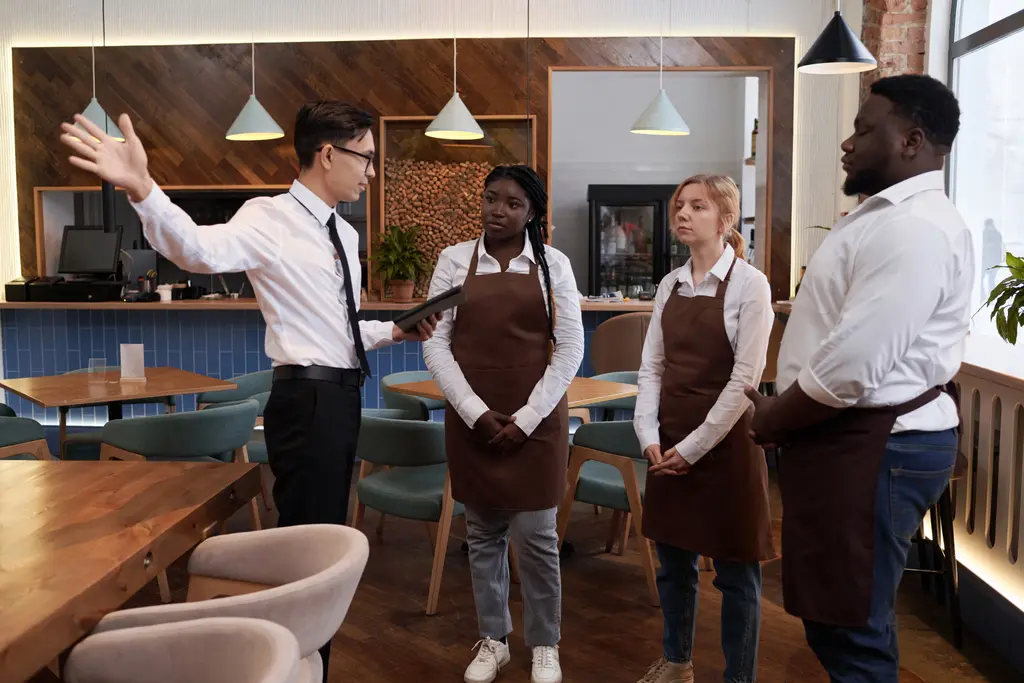
Setting the Stage: Restaurant Staff Training Preparation is Key
Before you even approach a table, a good restaurant server is already preparing. This isn’t about magical foresight; it’s about practical readiness in restaurant service.
Know Your Menu Inside and Out
This is non-negotiable for restaurant staff training. Customers will have questions, and you need to be able to answer them confidently and accurately.
Ingredients: What’s in each dish? Are there common allergens? (e.g., Our pesto contains pine nuts, but we can make a nut-free version upon request.)
- Preparation Methods: Is it grilled, fried, baked, or sautéed?
- Portion Sizes: Help guide customers on appropriate choices.
- Daily Specials: Memorise them and be ready to describe them enticingly.
- Drink Pairings: Suggest beverages that complement the food.
Don’t just know the names; understand the essence of each item. This allows you to make genuine recommendations and enhance restaurant customer service.
Tools of the Trade: Beyond Just a Pen and Paper
While a pen and order pad are traditional, many restaurants now use digital restaurant technology systems. Regardless, ensure your tools are ready.
- Clean Pens: Always have at least two working pens. Nothing is worse than a pen running out mid-order.
- Order Pads/Tablets: Ensure they are clean, organized, and fully charged if digital.
- Knowledge of POS System and online ordering system: If using a digital restaurant order management system, be proficient and fast. Practice entering complex orders.
Being organized prevents fumbling and projects professionalism in restaurant service.
Mental Preparation: Get Your Head in the Game
Your attitude sets the tone for the entire restaurant customer service interaction.
- Positive Mindset: Approach each table with a smile and a welcoming demeanour.
- Focus: Minimise distractions and be fully present for your customers.
- Anticipate Needs: Think ahead – do they look like they might need a high chair? More water?
A calm, confident restaurant server instils confidence in the customer.
Step-by-Step Guide to Taking Orders in a Restaurant
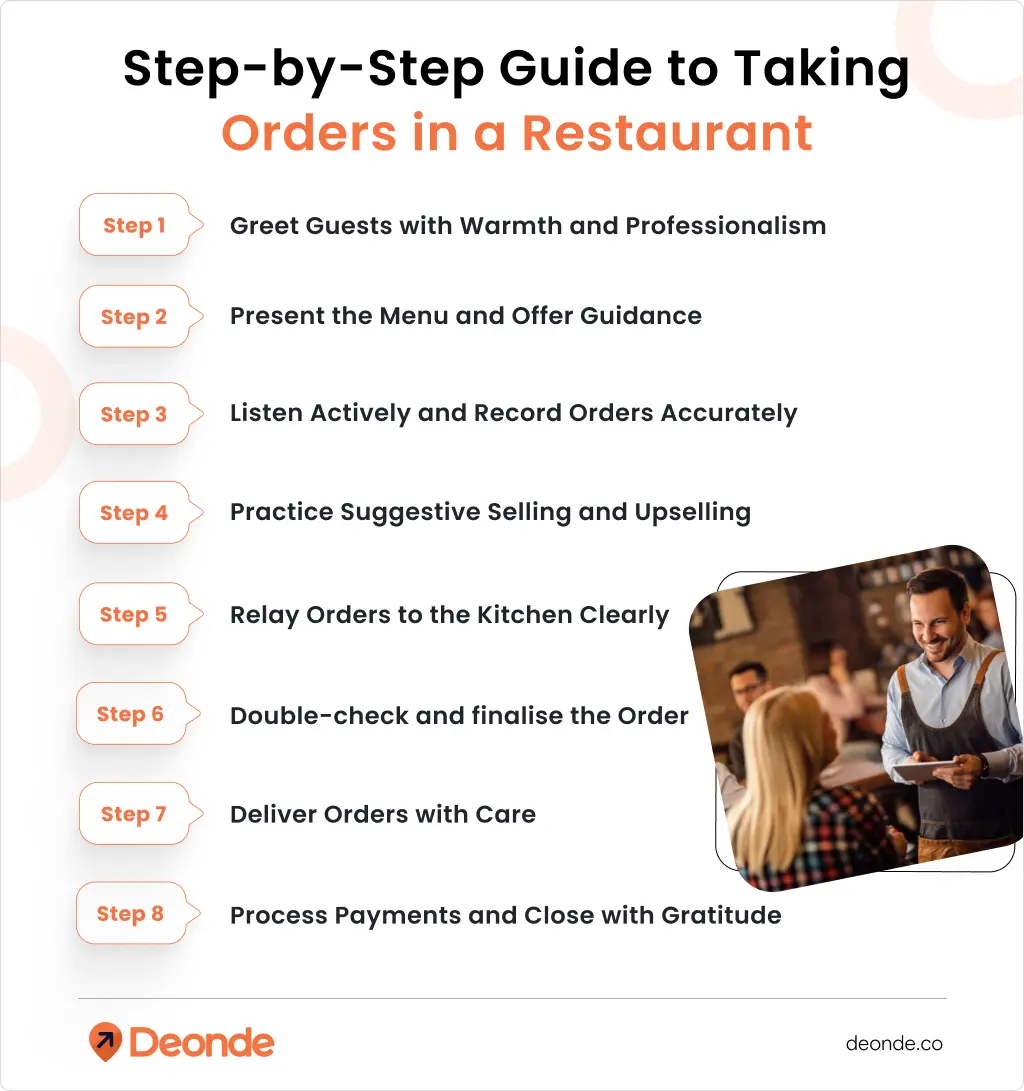
Step 1: Greet Guests with Warmth and Professionalism

The first impression sets the tone for the entire dining experience. A warm greeting makes customers feel valued and welcomed, whether dining in, calling for takeout, or ordering at the drive-thru.
For in-person orders:
- Smile and make eye contact
- Use a friendly, clear voice
- Give customers a moment to settle in before asking about drinks.
For phone orders:
- Answer within 3 rings
- Speak slowly and clearly
- Sounds enthusiastic, not rushed
Good greeting examples:
- “Hi there! Welcome to Mario’s Pizza. How can I help you today?”
- “Good evening! Thanks for calling Sunset Café. What can I get started for you?”
What to avoid:
- Rushing through your greeting
- Sounding bored or tired
- Forgetting to mention the restaurant name
Step 2: Present the Menu and Offer Guidance

A clear, well-designed, physical or digital menu makes ordering easier for customers. Your role is to guide them through it, especially if they’re new or unsure.
- Highlight daily specials, combos, or limited-time offers.
- Offer recommendations based on preferences: “If you love spicy flavors, our Cajun pasta is a hit!”
- Answer questions about ingredients, portion sizes, or dietary options (e.g., gluten-free, vegan).
Pro Tip: Train staff to know the menu inside out, including allergens and preparation methods, to confidently handle queries.
Step 3: Listen to Customer Orders Actively and Record Orders Accurately
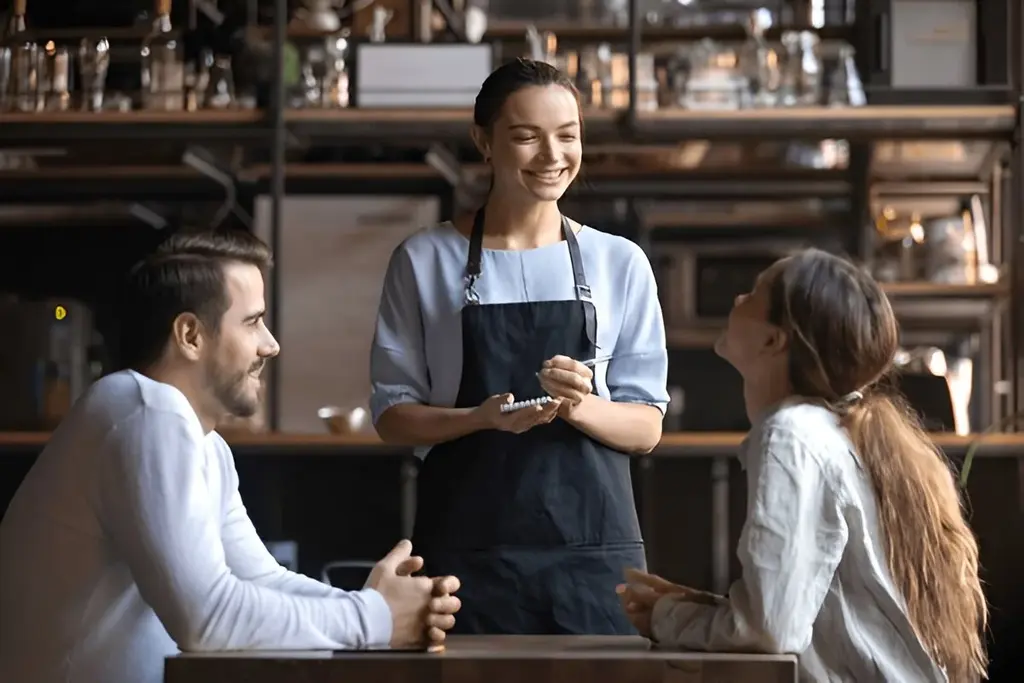
Accuracy is the cornerstone of effective order-taking. Misheard or incorrectly entered orders can lead to unhappy customers and wasted resources.
- Listen carefully without interrupting.
- Ask clarifying questions: “Would you like the salad with dressing on the side?” And how would you like your steak cooked?
- Repeat the order back: “So, that’s a grilled chicken sandwich with no mayo, fries, and an iced tea. Correct?”
- Use a Point of Sale (POS) system to input orders instantly, minimizing manual errors.
For handwritten orders, ensure legibility to avoid confusion in the kitchen.
Step 4: Practice Suggestive Selling and Upselling
Suggestive selling not only enhances the customer experience but also increases your average check size. Done right. It feels helpful, not pushy.
- Suggest add-ons: “Would you like to pair your burger with our loaded nachos?”
- Promote upgrades: “For just $1.50, you can make that a large shake.”
- Highlight desserts or beverages: “Our tiramisu is freshly made today would you like to try it?”
Train staff to read customer cues and avoid overselling, which can feel intrusive.
Step 5: Relay Orders to the Kitchen Clearly
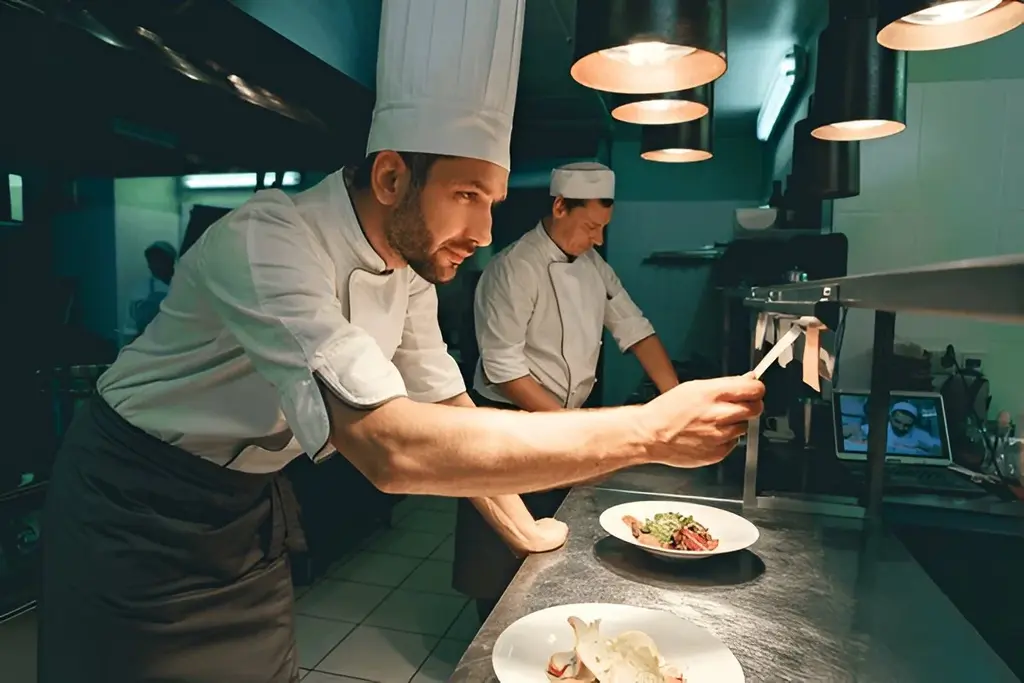
Smooth communication between the front-of-house and kitchen ensures orders are prepared correctly and on time.
- Use a POS or Kitchen Display System (KDS) for real-time order transmission.
- For manual tickets, write clearly and flag special requests (e.g., “NO NUTS”).
- Confirm with kitchen staff if there’s any uncertainty about modifications or allergies.
Clear communication prevents delays and keeps the workflow humming.
Step 6: Double-check and Finalize the customer Order
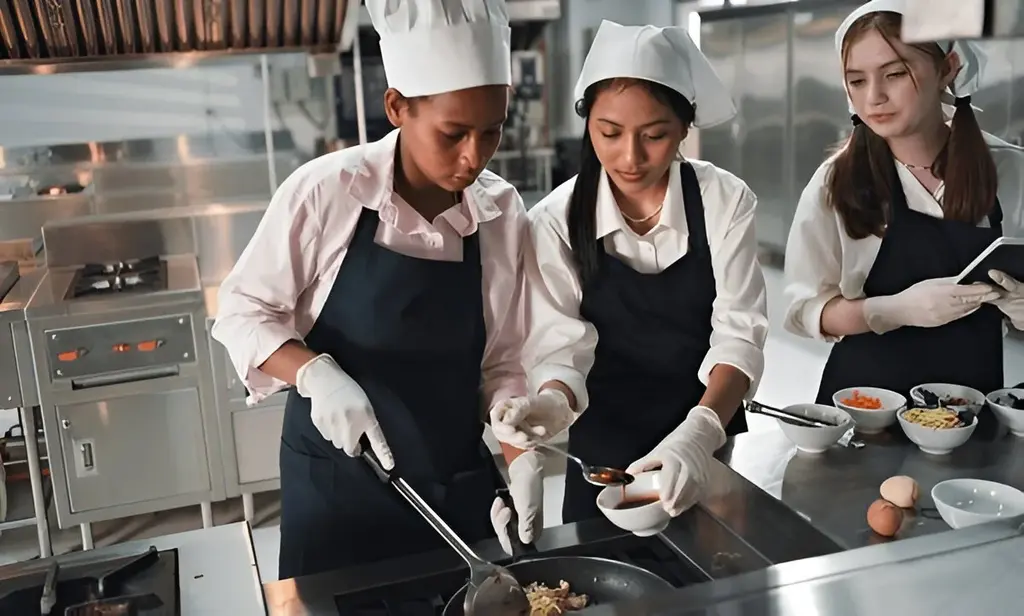
Before sending the order to the kitchen, take a moment to verify everything.
- Review the POS entry or order ticket for accuracy.
- Confirm special requests, especially dietary restrictions.
- Ensure the payment method (e.g., cash, card, or online) is noted.
This quick check can save time and prevent costly mistakes.
Step 7: Deliver Orders to Customers with Care
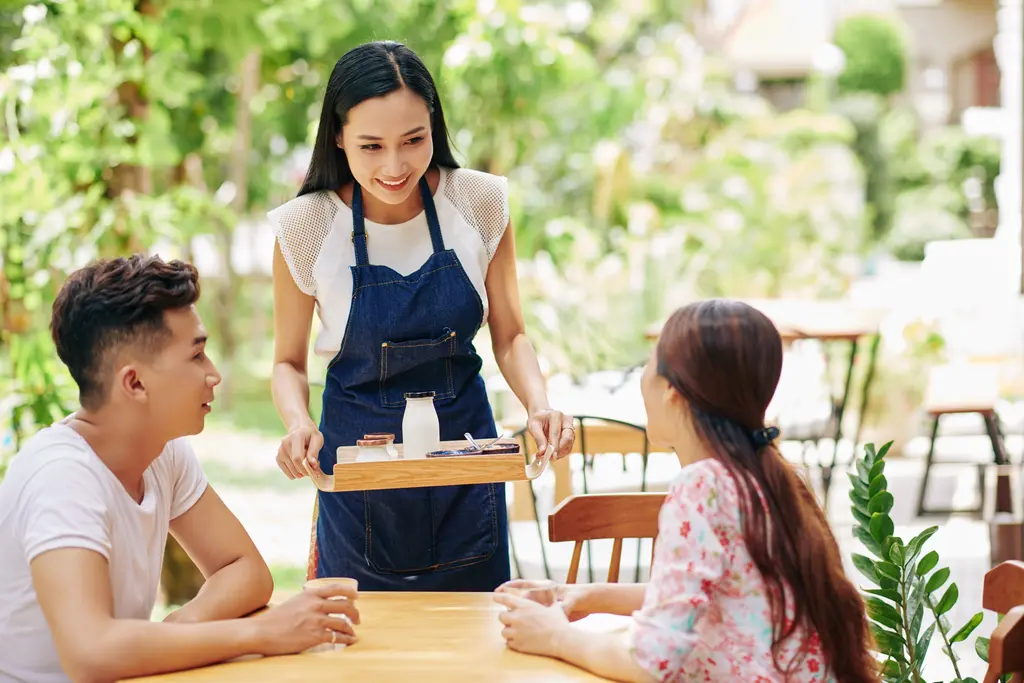
The delivery of the order, whether to the table, for takeout, or via delivery, completes the dining experience.
- Dine-In: Serve food promptly, ensuring it’s hot and presented well. Check back shortly after to confirm satisfaction.
- Takeout: Use secure, labelled packaging to prevent spills and mix-ups.
- Delivery: Include all items (utensils, condiments) and ensure timely drop-off.
Attention to detail here reinforces your restaurant’s commitment to quality.
Step 8: Customer Process Payments and Close with Gratitude

A smooth checkout process leaves customers with a positive final impression.
- Offer multiple payment options: cash, cards, digital wallets, or contactless payments.
- For dine-in, ask if there are any last-minute needs before presenting the bill.
- For takeout/delivery, confirm payment and offer loyalty perks or discounts.
- End with a thank-you: “Thank you for dining with us! We hope to see you again soon.”
A gracious close encourages repeat visits and builds loyalty.
Leveraging Technology for Smarter Order-Taking
Modern technology can revolutionize how you take orders in a restaurant, making the process faster, more accurate, and more customer-friendly.
- POS Systems: Streamline order entry, integrate with inventory, and track sales in real-time. Train staff to use the system efficiently to avoid bottlenecks.
- Online Ordering: Integrate your website or app with your POS to sync online orders seamlessly. This reduces manual input and speeds up takeout/delivery prep.
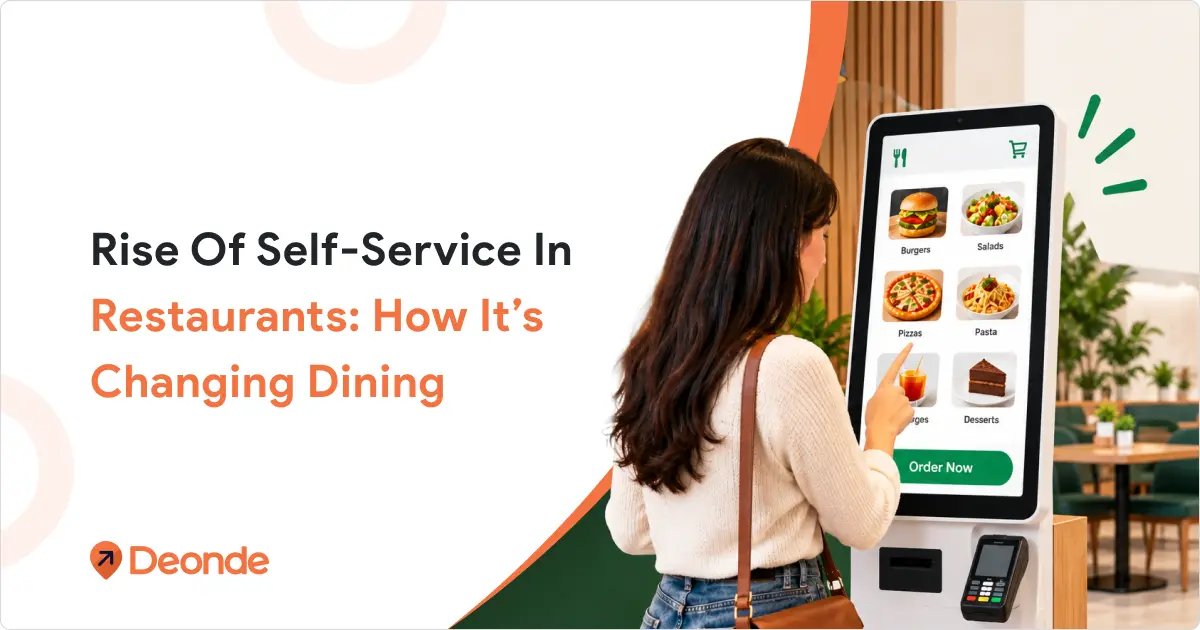
- Self-Service Kiosks: Allow customers to browse, customize, and pay independently. Kiosks cut wait times, reduce staff workload, and boost upsell opportunities.
How to Handle Common Order-Taking Challenges?
Even experienced workers face challenges. Here’s how to handle common issues:
Problem: Customer can’t decide what to order
- Give them a few more minutes
- Suggest popular items
- Ask about their preferences (spicy, mild, vegetarian)
Problem: The Kitchen is running behind
- Update customers on wait times
- Apologies for the delays
- Offer something small while they wait
Problem: An Order mistake happens
- Admit the mistake quickly
- Fix it as fast as possible
- Don’t blame others in front of customers
Problem: Difficult customer
- Stay calm and professional
- Listen to their concerns
- Get a manager if needed
Problem: Order Errors
- Minimise mistakes by repeating orders back and using POS systems. Train staff to double-check entries before submission.
Problem: Indecisive Customers
- Be patient, offer suggestions, and highlight popular items to guide decisions without rushing.
Problem: Peak Hour Chaos
- To ease congestion, prepare for busy periods with extra staff, optimised workflows, and tech-like kiosks or mobile ordering.
The Bottom Line
Taking good orders is about more than just writing down what customers want. It’s about creating a positive experience that makes people want to return.
Remember these key points:
- Listen carefully and write everything down
- Repeat orders back to customers
- Handle special requests professionally
- Use technology to your advantage
- Stay calm under pressure
- Always end with a thank you
Every expert was once a beginner. You’ll develop the confidence to handle any situation with practice and patience. Involving an order, your customers will notice the difference, and so will your team.
The restaurant industry can be challenging, but mastering these basic skills will help you succeed wherever you work. Focus on one skill at a time, and soon, taking orders will become second nature..

FAQ Section
Q: What skills do restaurant servers need for effective order taking?
A: Restaurant servers need strong communication skills, menu knowledge, active listening abilities, and proficiency with restaurant POS systems.
Q: How can restaurant technology improve order accuracy?
A: Restaurant technology, like POS systems, online ordering platforms, and kitchen display systems, reduces manual errors and improves subject-verb agreement in restaurant operations.
Q: What’s the most important part of restaurant staff training for order taking?
A: Menu knowledge and customer service skills are crucial components of restaurant staff training, along with proper use of restaurant technology systems.