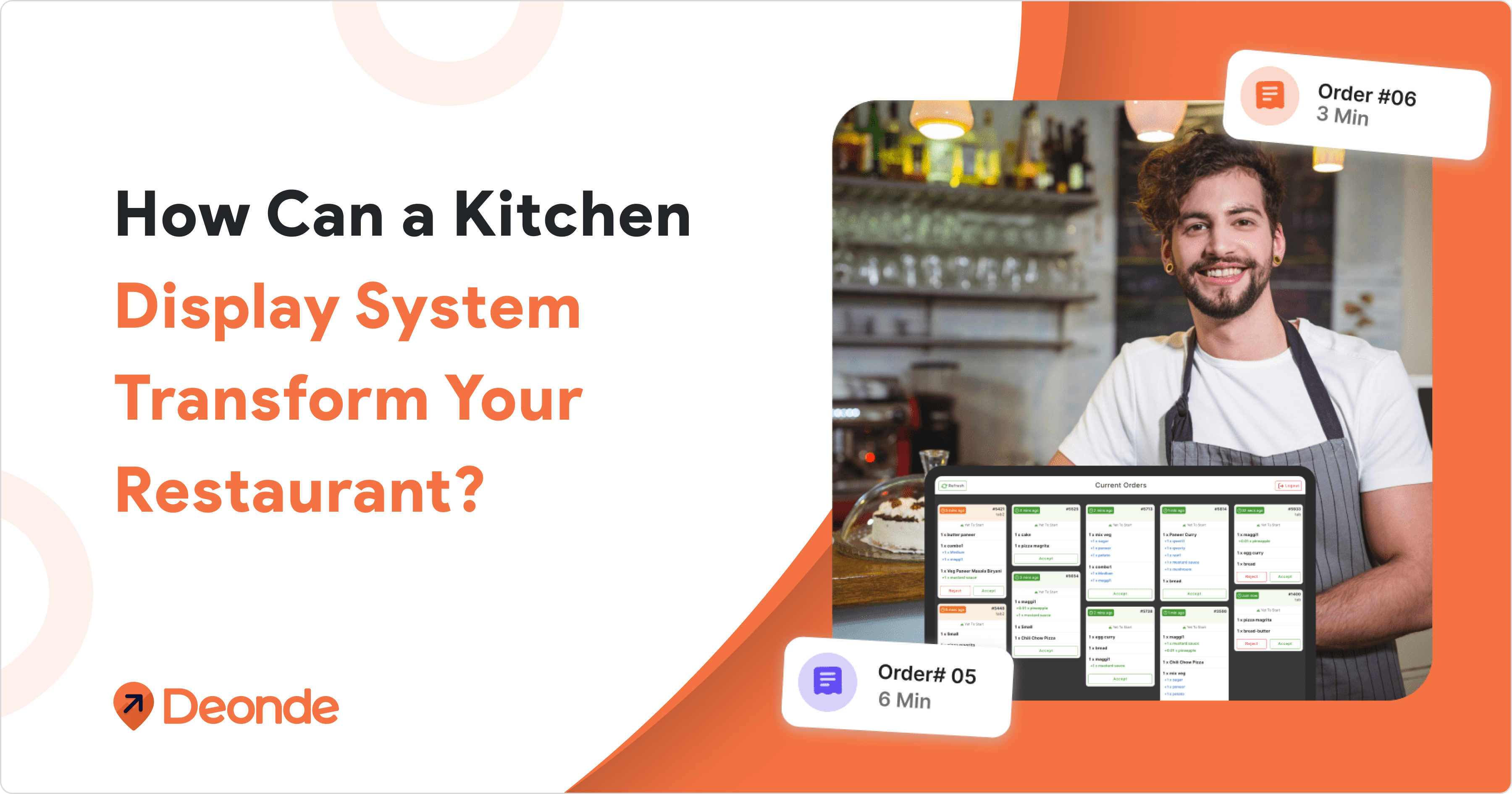
A kitchen display system for restaurants replaces paper tickets with digital screens that route orders straight from your POS, app, or QR menu to the right prep station. It cuts order errors, shortens ticket times, and gives managers a live view of every bottleneck in the kitchen.
Think of it as the connective tissue between front-of-house (FOH) and back-of-house (BOH). A server’s table order, a QR code scan, or a delivery app ticket all land on the correct screen — grill, fry, salad, expo automatically.
Cooks tap or swipe to “bump” an item once it’s fired, and the expo station gets a real-time view of everything in progress. No walking tickets back and forth, no re-copying orders by hand.
The National Restaurant Association’s Restaurant Technology Landscape Report 2024 finds that 76% of operators say using technology gives them a competitive edge.
This guide explores how a kitchen display system for restaurants enhances efficiency, key features to consider, and how to choose the best solution for your business.
How Does a Kitchen Display System Work?
A KDS pulls every order — dine-in, online, kiosk, or third-party — the moment it’s placed. Routing rules send each item to the correct station, cooks bump tickets as they finish, and an expo screen confirms the full order is ready before it leaves the kitchen.
Step 1: Orders Arrive From Every Channel
Dine-in orders placed through a digital QR code menu, phone-in orders from the POS, and delivery orders from your app or aggregators all feed into the same queue.
Step 2: Smart Routing Sends Tickets to the Right Station
Grill, fry, salad, and dessert stations only see the items that belong to them, tagged by course and prep time so nothing gets plated cold.
Step 3: Cooks Bump Tickets in Real Time
A tap marks an item fired, cooking, or ready — no shouting down the line, no re-writing a ticket that got sauce on it.
Step 4: The Expo Screen Confirms the Full Order
Before a plate leaves the pass, expo can see whether every item on that ticket is actually ready, which cuts down on partial or mismatched deliveries.
None of this works without solid restaurant POS integration underneath it — without that link, a KDS is just a screen with nothing to show.
Evolution of order management in the restaurant industry
Paper Ticket Era (Before 2000s): Orders were written by hand on paper tickets, often leading to hard-to-read writing, lost tickets, and communication problems.
Kitchen Printer Phase (2000-2010): Orders sent from cash registers to kitchen printers—better than handwritten tickets but still wasting paper and creating clutter.
Early Digital Displays (2010-2015): The emergence of basic Kitchen Display Systems (KDS) during this period addressed the paper issue and offered a more visual way to manage orders.
Modern KDS Solutions (2015-Present): Today’s digital kitchen display systems offer many helpful features, including sending orders to the right cooking stations, tracking preparation times, connecting with other restaurant systems, and making the kitchen workflow smoother.
What Does the Industry Say About KDS?
This investment is needed because average order accuracy across major restaurant chains sits at 86–89% (QSR Magazine Drive-Thru Reports, 2023–2025) — meaning about 1 in 7 orders still has a mistake without stronger systems in place.
To fix this, industry studies show KDS adoption cuts kitchen order errors by roughly 30–40%.
In fact, order errors drop by up to 90% when kitchens switch from paper tickets to a digital display, with some vendor case studies reporting reductions as high as 80–90%.
Beyond accuracy, order-to-table times fall 20–30% on average once ticket routing is automated instead of manual.
As a result, total kitchen efficiency rises 15–25%, mostly from fewer re-fired orders and less time spent decoding handwriting.
Key Features of a Top Kitchen Display System for Restaurants
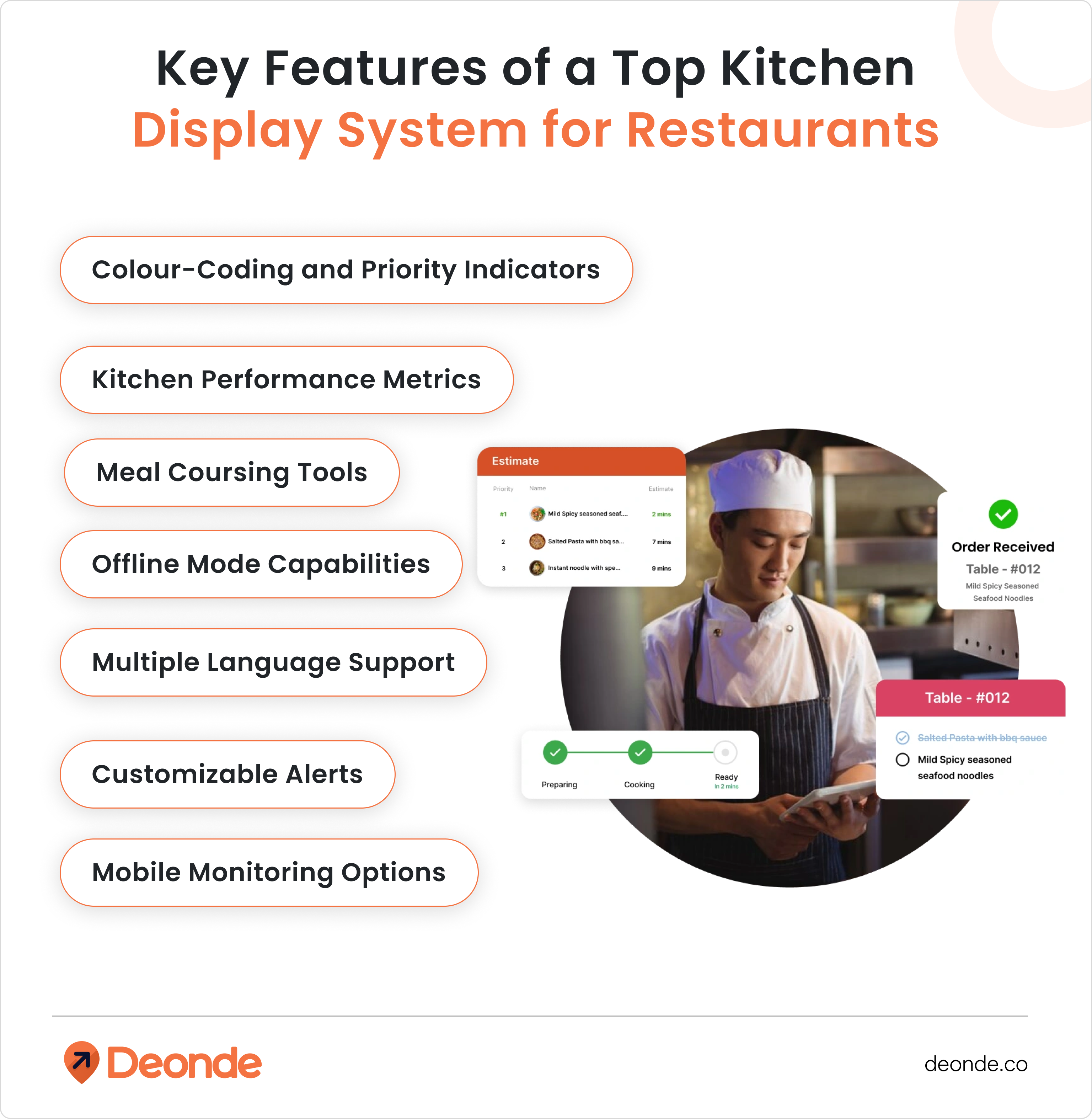
When shopping for a kitchen display system for restaurants, look for these essential features that separate the best systems from basic options:
Colour-Coding and Priority Indicators
Great KDS systems use colors and visual cues to help kitchen staff quickly spot urgent orders, VIP customers, or special dietary requirements. This simple visual system helps chefs prioritize their cooking tasks without having to read every detail.
Meal Coursing Tools
For restaurants that serve multi-course meals, look for a system that can time and coordinate different courses. These tools help ensure appetizers, main courses, and desserts arrive at the perfect time, enhancing the dining experience.
Kitchen Performance Metrics
The best systems track and display key performance indicators like average preparation times, order accuracy rates, and peak period efficiency. Access to these numbers helps you spot trends, reward top performers, and identify training opportunities.
Offline Mode Capabilities
Internet outages shouldn’t shut down your kitchen. Top restaurant kitchen display systems include offline modes that keep orders flowing even when connectivity is interrupted, with automatic syncing once the connection returns.
Multiple Language Support
In diverse kitchen environments, systems that can display information in multiple languages ensure all staff members can understand orders accurately regardless of their primary language.
Customizable Alerts
Look for systems that let you set up specific alerts for situations that need immediate attention – like when orders sit too long, when VIP customers order, or when special dietary requests come in.
Mobile Monitoring Options
The ability to check kitchen performance from anywhere using a smartphone or tablet gives managers freedom to move around the restaurant while staying connected to what’s happening in the kitchen.
Learn more about these features in our comprehensive restaurant management system guide that covers all aspects of modern restaurant technology.
Key Benefits of a Kitchen Display System for Restaurants
A kitchen display system pays off in four ways: faster ticket times, fewer costly mistakes, one unified view of orders from every channel, and hard data on exactly where a kitchen loses minutes during a rush — insight paper tickets never gave a manager.
Faster Ticket Times and Higher Table Turns
Order-to-table time typically falls 20–30% once routing is automatic instead of manual. Faster tickets mean more table turns during the same dinner rush, without adding a single extra staff member.
Pro Tip — From Our Experience: One documented case saw a full-service restaurant’s ticket times fall from about 90 minutes to 40 minutes after pairing a modern POS with a digital kitchen screen — table turns improved by half.
In restaurants we’ve supported on the Deonde platform, the pattern repeats: the biggest jump in speed shows up in week two, once cooks stop glancing for a printer that isn’t there anymore.
Fewer Errors and Less Food Waste
Digital tickets cut order errors by up to 90% compared with handwritten or misread paper slips. Fewer wrong orders means less remade food, which is where a chunk of avoidable food waste quietly comes from.
One Screen for Dine-In, Online, and Third-Party Orders
Instead of three printers spitting out tickets in three formats, every channel lands in one queue. A restaurant order management panel that already talks to your POS is what makes this possible without hiring a developer.
Kitchen Data You Can Actually Act On
Every bump gets timestamped, so a restaurant analytics dashboard can show exactly which station slows down at 7 PM on a Friday — not a guess, an actual number you can staff against.
How Much Does a Kitchen Display System Cost?
A single-station KDS typically runs $700–$3,000 in year one — hardware around $300–$800 per screen, plus software from $20–$120 a month. Multi-station or multi-location setups scale higher, often into five figures, but most operators recover the cost through fewer remakes and faster tables within months.
What actually moves the price:
- Hardware grade — a repurposed consumer tablet is cheaper upfront but fails faster in heat, grease, and daily wear than a commercial-grade screen.
- Software model — some POS platforms bundle KDS software at no extra cost; standalone platforms charge $20–$120+ per screen, per month.
- Station count — a hot line, cold line, and expo each need their own screen in a busy kitchen, and per-station pricing adds up fast.
- Integration and setup — connecting a KDS to your POS, delivery apps, and QR ordering is usually where implementation time, and cost, actually goes.
Paper isn’t free either — ink and ticket stock alone can run $1,000–$2,400 a year in a busy kitchen, before counting the labor lost to remaking wrong orders.
How to Choose and Set Up a Kitchen Display System
Start by mapping which stations get bottlenecked during a rush, confirm the system connects cleanly to your POS and every ordering channel, match hardware to your kitchen’s heat and grease exposure, train staff before a busy shift, and review ticket-time data weekly after launch.
Step 1: Map Your Stations and Peak-Hour Bottlenecks
Walk the line during your busiest hour and note exactly where tickets pile up. That station gets the first screen — usually grill or fry, rarely dessert.
Step 2: Confirm It Connects to Your POS and Every Ordering Channel
This is the step that quietly kills most DIY projects. Wiring a KDS to a POS, three delivery aggregators, and a QR-ordering system by hand usually means months of custom development and a real developer budget.
Platforms such as Deonde are built to skip that part entirely — third-party delivery integration, online ordering, and kitchen routing already talk to each other out of the box.
Every order lands on one screen without anyone writing custom code.
Step 3: Match Hardware to Your Kitchen’s Environment
A line cook’s screen near an open flame needs a sealed, grease-resistant housing. An expo screen up front can usually get away with a standard commercial tablet.
Step 4: Train Staff Before, Not During, a Rush
Run the new screen on a slow Tuesday lunch first. The muscle memory of bumping a ticket instead of tearing paper takes a few shifts to settle in, not a few minutes.
Step 5: Review Ticket-Time Data Weekly After Launch
The screen timestamps every order automatically. Check it weekly for the first month to catch a slow station before it turns into a permanent habit.
Running more than one location? Multi-location restaurant management tools let you compare station speed across every branch from one dashboard, instead of five separate logins.
Common Kitchen Display System Mistakes to Avoid
Most KDS rollouts fail for the same handful of reasons: buying screens before mapping the workflow, ignoring how online and delivery orders will feed in, skipping staff training, having no backup plan for outages, and never checking the data the system collects after go-live.
- Buying hardware before mapping workflow — screens end up in the wrong spot on the line.
- Skipping the inventory link — a KDS that doesn’t sync with your restaurant inventory management software can still let staff fire an item that’s 86’d.
- Skipping staff training — cooks fall back on yelling across the pass, which defeats the point.
- No offline backup — a dropped internet connection shouldn’t stop a kitchen from taking orders.
- Ignoring the data afterward — the screen logs everything, but almost nobody checks the reports.
Conclusion
A kitchen display system for restaurants is an essential step toward modernizing your restaurant and making it run better.
By improving communication, reducing mistakes, and providing helpful insights, these systems help restaurants provide better service while decreasing costs.
As finding good staff gets harder and customers expect more, investing in good KDS solutions for food service is now essential for restaurants that want long-term success.
For restaurants wanting to add a digital kitchen management tool, Deonde offers complete restaurant management systems that include advanced kitchen display features. Our solutions work smoothly with your existing POS system, giving you real-time order management and helpful reports to make your kitchen run at its best.
Want to make your kitchen operations better? Contact us todayto learn more about our restaurant management solutions and how they can help your business succeed in today’s competitive market.