
"Deonde's team was fantastic in creating our own ordering app. It's made a real difference in how we operate, and our customers are finding it so convenient. Highly recommend their service!"Read Chowman Case Study →
Connect Deonde to your existing POS system. Every online order appears on your kitchen display automatically — no double entry, no missed tickets, no chaos.
Trusted by 300+ brands worldwide










Connect your online ordering channel to your existing restaurant infrastructure with zero disruption to your kitchen workflow.
Update your menu once in your POS — Deonde syncs automatically. Prices, items, and availability stay consistent across all channels.
Online orders print directly to your kitchen printer or KDS — exactly like a waiter ticket. Your kitchen team sees every order the same way.
When you mark an item unavailable on your POS, it's automatically hidden from your online menu — preventing orders you can't fulfil.
Online and dine-in sales consolidated in one report. See your total revenue, channel breakdown, and top items across all order types.
Don't have a KDS? Deonde includes a web-based kitchen display system showing live orders, prep status, and order-ready timers.
POS integration is optional. Deonde works as a complete standalone ordering system with its own order management dashboard.
Deonde integrates with leading POS systems via direct API and middleware connectors.
Don't see your POS? Contact us — we add new integrations regularly.
Online orders appear on your kitchen display the same way as every other order. Your chefs don't need to check a tablet, monitor an app, or juggle multiple screens.
The integration handles all the routing — order goes from customer's phone, through Deonde, straight to your POS, and prints on the kitchen line. All in under 3 seconds.
You don't need a developer. Our onboarding team configures the POS connection, imports your menu, maps your modifiers, and tests every order flow before you go live.
Most restaurants are fully integrated and accepting online orders within 2 business days of signing up.
POS integration is available for all restaurant formats on Deonde.
Create your Deonde account and tell us which POS system you use. Our team will guide you through the connection steps.
We import your menu from your POS and run test orders to confirm everything flows correctly — items, modifiers, and routing.
Launch your branded online ordering channel. Every order flows straight to your POS and kitchen — no extra steps for your team.
See what our customers say about transforming their delivery business
"Deonde's team was fantastic in creating our own ordering app. It's made a real difference in how we operate, and our customers are finding it so convenient. Highly recommend their service!"Read Chowman Case Study →
"Starting our own delivery app felt overwhelming before Deonde. But they made it incredibly simple. We launched in less than a week, and our sales have grown significantly since then."Read HungryJi Case Study →
"Deonde has completely transformed how we handle orders. The admin panel gives us full control, and our customers love the smooth ordering experience. Best investment we've made."Read Munch Zimbabwe Case Study →
Everything you need to run a world-class delivery operation, included from day one
Intuitive dashboards your team can master in hours. No technical expertise required to get started.
Bank-level encryption, GDPR compliance, and monitored cloud hosting, with custom SLAs available for enterprise plans. Your data and your customers' data stays safe.
Zero commissions means every order goes directly to you. Most businesses recover their investment within the first month.
Dedicated onboarding team and 24/7 technical support. We're with you from setup to scale.
New features shipped every month. No extra cost, no downtime. Your platform evolves with market demands.
Manage your business from any device, anywhere. Full-featured web dashboard plus native mobile apps.
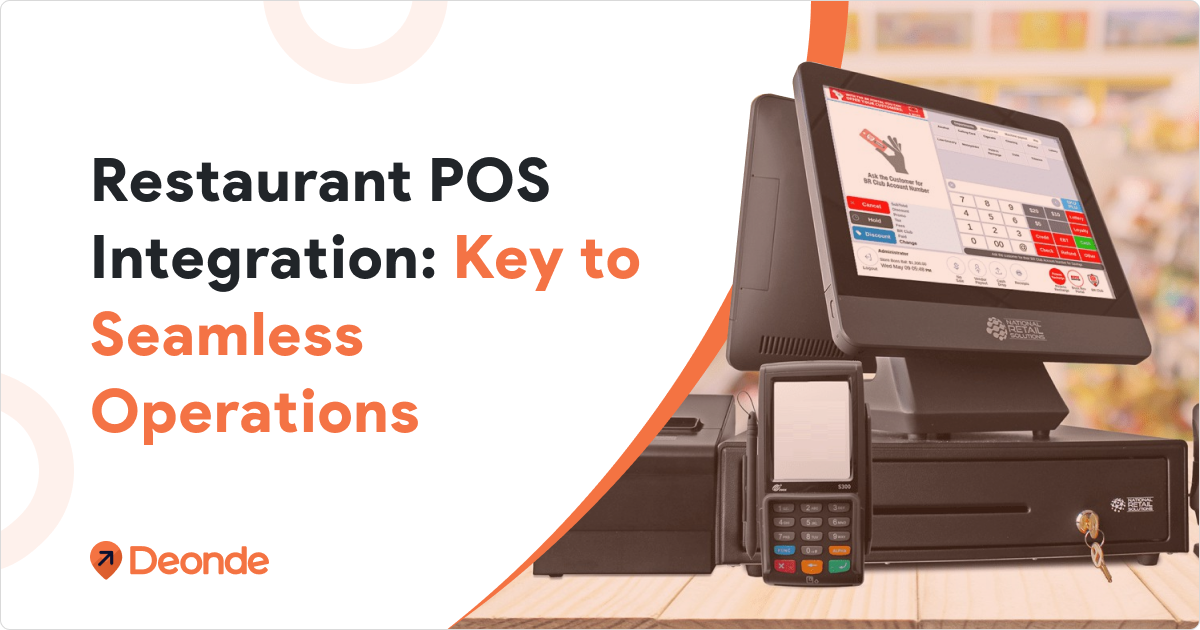
Discover how restaurant POS integration can streamline your restaurant's operations, improve efficiency, and boost customer satisfaction.
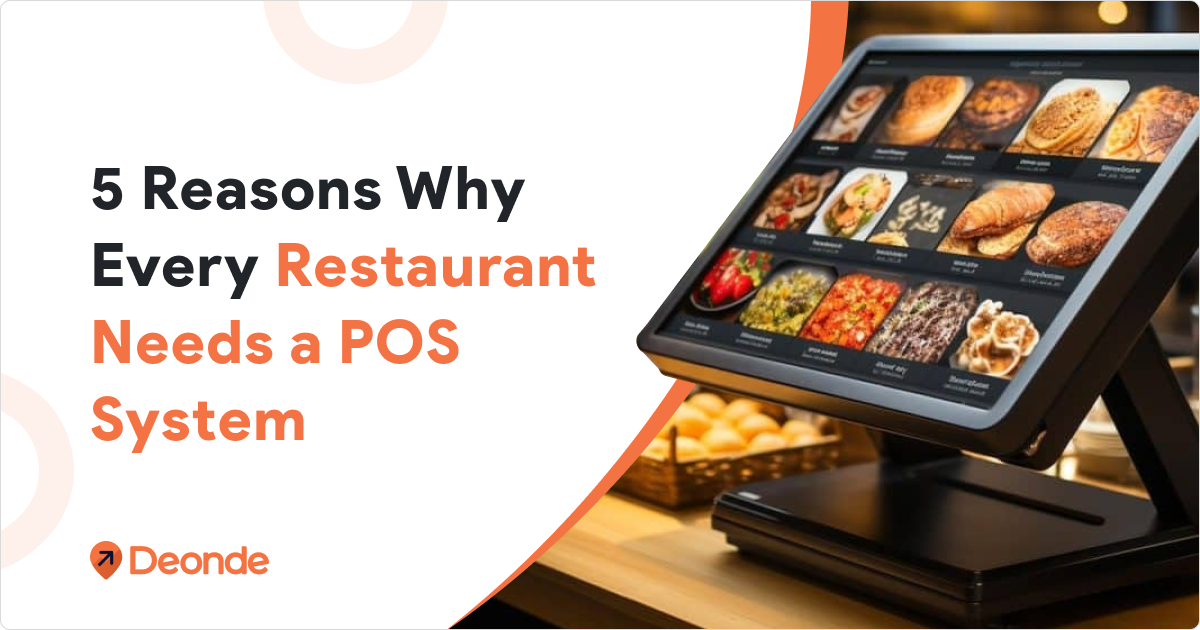
Explore 5 key benefits of having a POS system in your restaurant. Improve efficiency and customer service with the right POS solution.
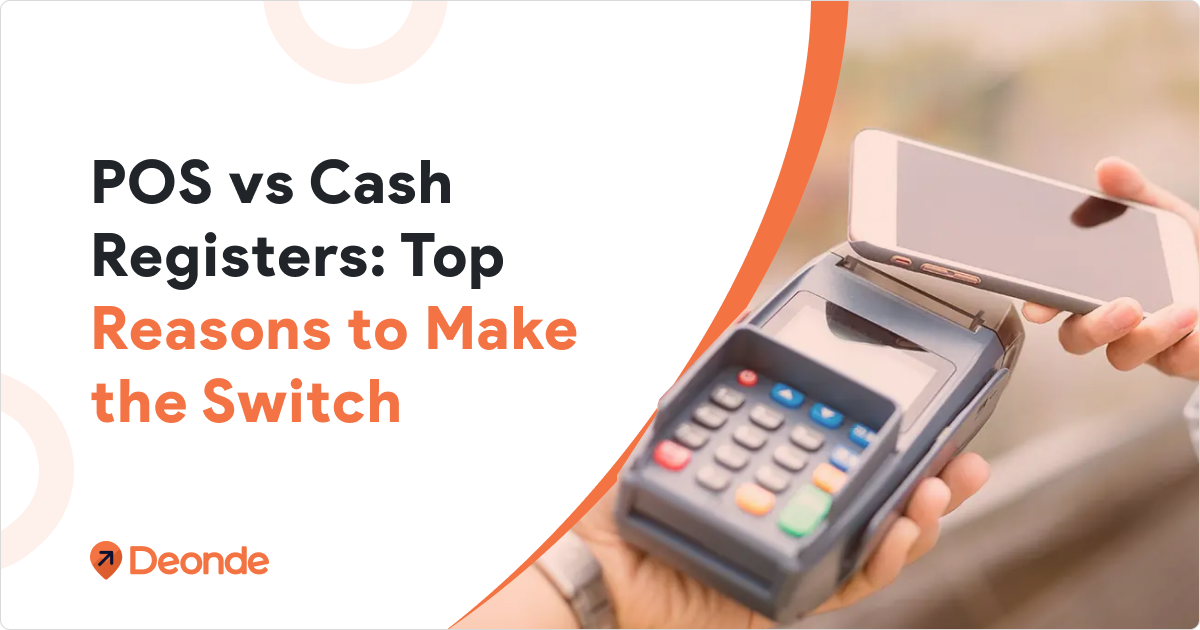
Discover why switching to a POS system from traditional cash registers can transform your business. Explore the benefits of POS system.