Remember the good old days, running a restaurant meant good food, great service, and word-of-mouth. But today, that’s not enough.
If your restaurant isn’t on Google, most people simply won’t find you. Customers are searching online for places to eat, and Google is the first place they go.
So, if your amazing restaurant isn’t showing up when they’re looking for “food near me,” you’re practically invisible. That’s a huge missed opportunity to fill those empty tables!
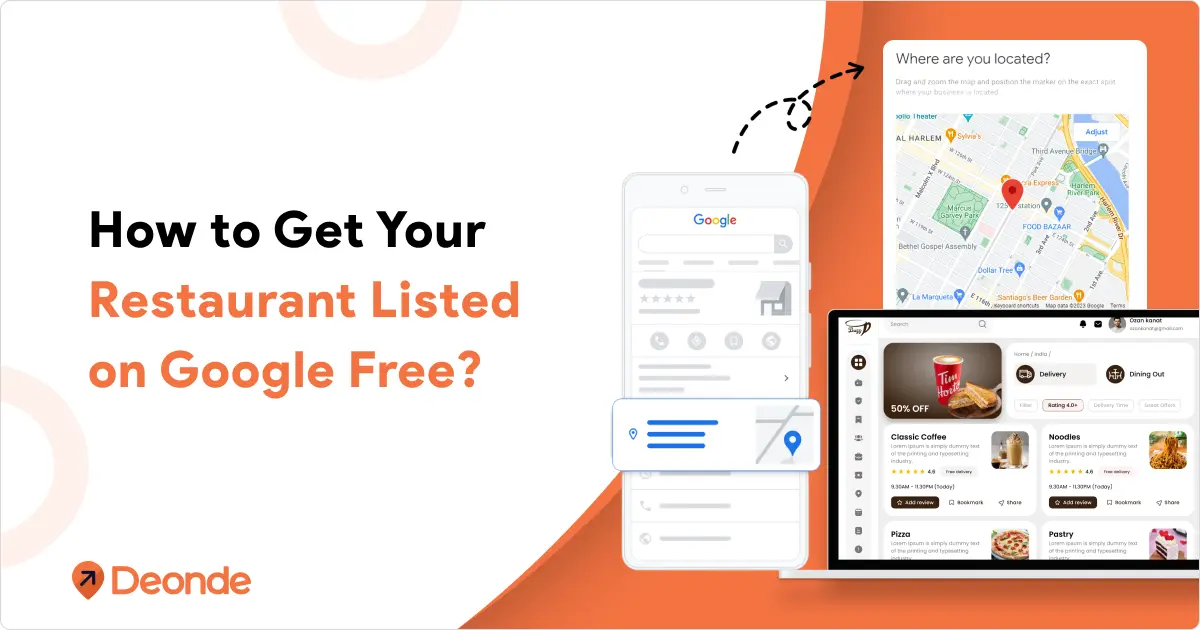
The good news? Getting listed on Google is free, easy, and powerful if you know how to do it right.
Google Business Profile is a completely free tool that puts your restaurant front and centre on Google Search and Maps. Think of it as your digital billboard, constantly attracting new diners.
Now, you might be thinking, “That sounds complicated!” But trust us, it’s not. This guide is here to walk you through every single step, making it simple for even the least tech-savvy owner.
We’ll show you exactly how to claim your spot and make your profile shine. Get ready to put your delicious food on the map and bring in more customers than ever before!
What is Google Business Profile?
Google Business Profile (GBP) is formerly known as Google My Business, is a free tool provided by Google that allows businesses, organizations, and service providers to manage their online presence across Google Search and Google Maps.
It helps potential customers find your business and learn essential information such as your address, hours of operation, contact details, reviews, photos, and more.
Why Your Restaurant Absolutely Needs a Google Business Profile
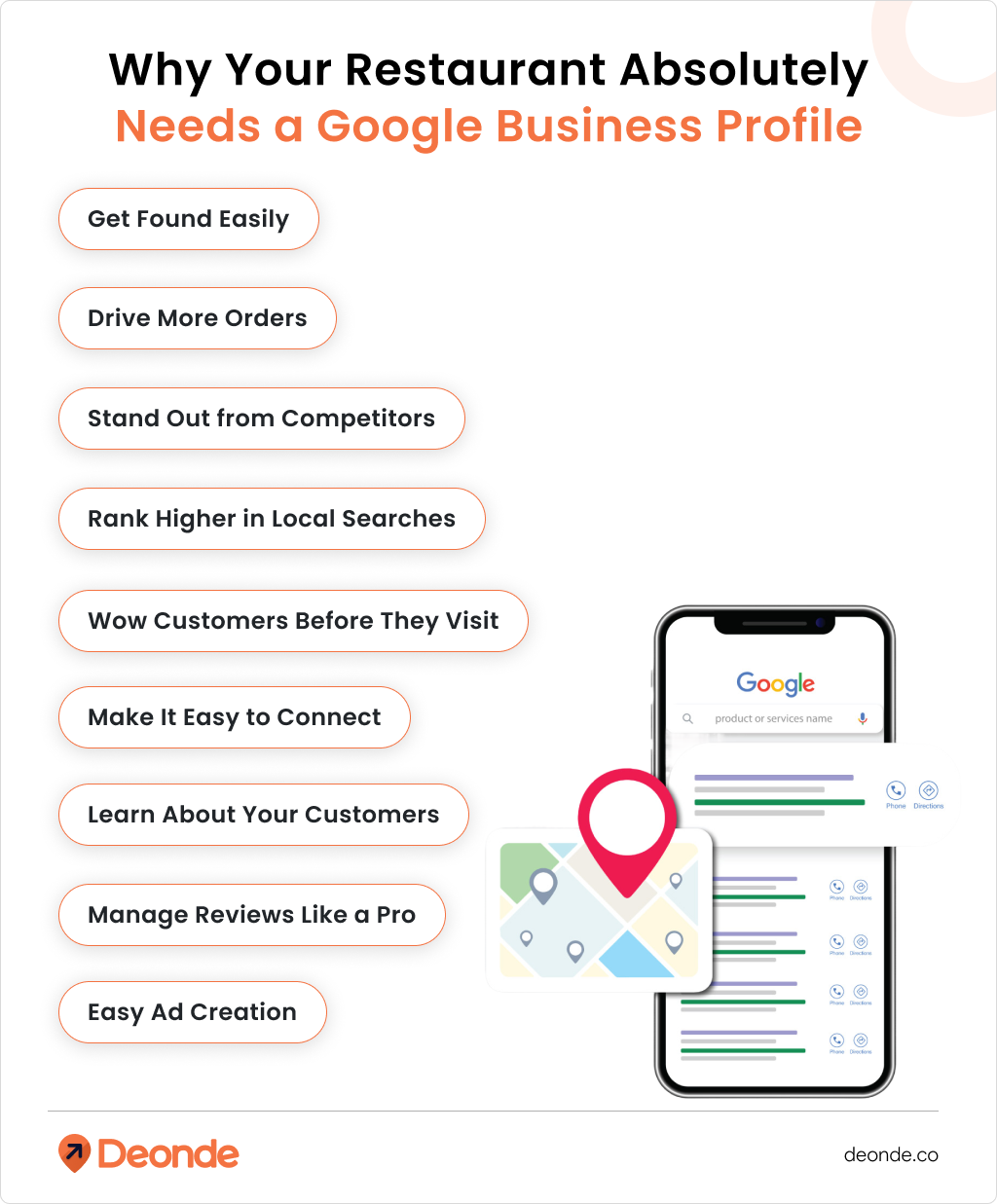
Still wondering if it’s worth your time? Let’s talk about why Google Business Profile is non-negotiable for modern restaurants
- Get Found Easily: Your restaurant’s details pop up when people search for food nearby, like “pizza in [your city].” It shows up in search results and on Maps, so customers can find you fast.
- Drive More Orders: You can add a link for customers to order food directly from your listing, boosting sales without extra effort.
- Stand Out from Competitors: A well-set-up profile makes you look professional, giving you an edge over restaurants without one.
- Rank Higher in Local Searches: Google prioritizes nearby businesses. A profile increases your chances of appearing when someone’s close by and hungry.
- Wow Customers Before They Visit: Share your menu, photos, and reviews so people know what to expect, building trust and excitement.
- Make It Easy to Connect: Customers can call you or get directions with one tap, perfect for those on the go.
- Learn About Your Customers: The profile gives you insights, like how many people called, clicked for directions, or viewed your menu, so you can understand what works.
- Manage Reviews Like a Pro: You can read and respond to customer reviews, showing everyone you care about their experience.
- Easy Ad Creation: You can create local ads through Google Ads Express to reach even more people, especially if you have multiple locations.
In short, a Google Business Profile is a free, powerful way to attract more customers, boost your credibility, and grow your restaurant’s sales.
explore why restaurants need their own mobile ordering app.
Step-by-Step: Getting Your Restaurant Listed on Google
Setting up a Google My Business page is easy, even if you’re not a tech wizard. Follow these steps to get your restaurant on Google and make it shine.
Step 1: Create or Claim Your Google My Business Page
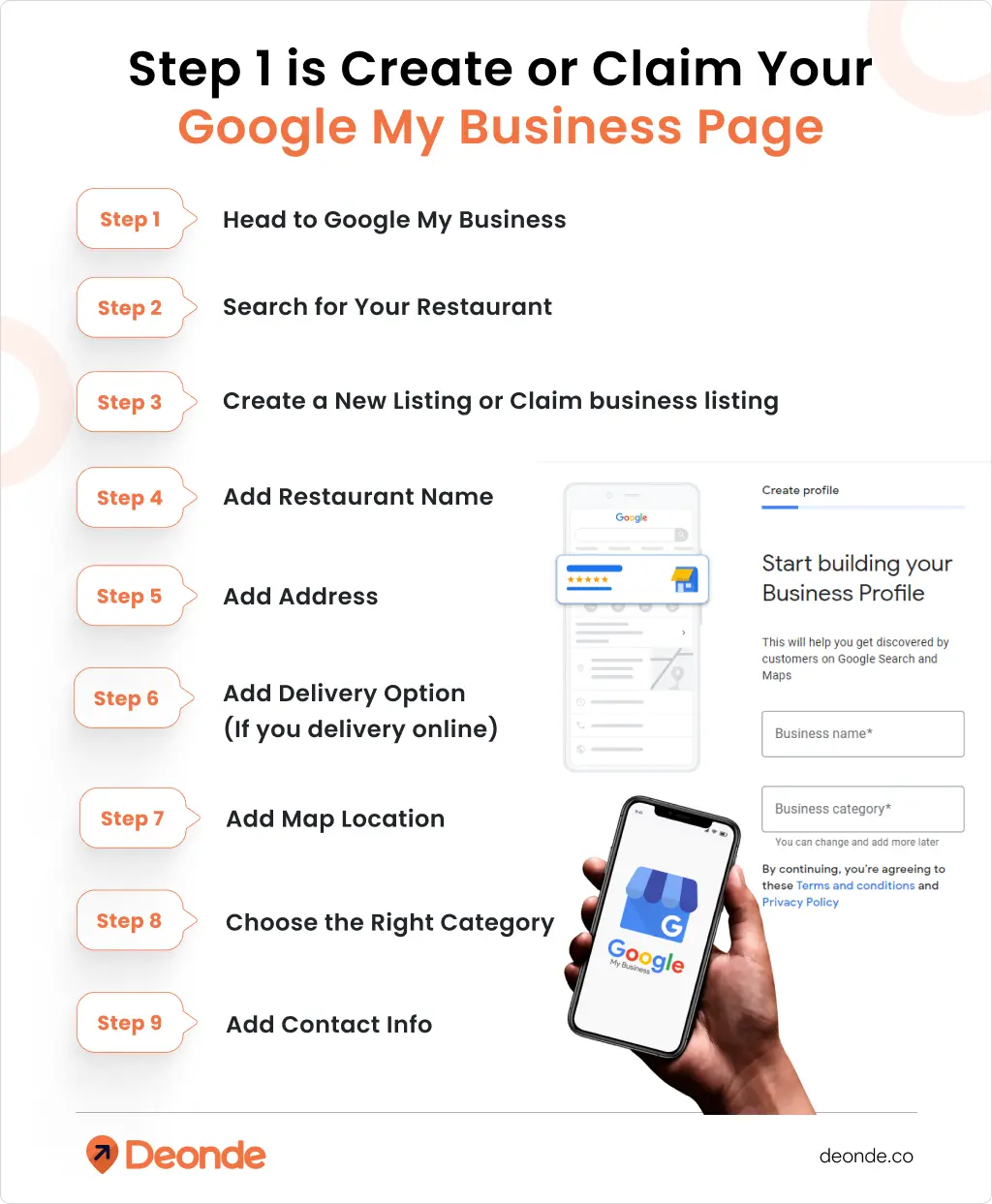
- Head to Google My Business: Go to Google My Business and sign in with a Google account. It’s best to use one tied to your restaurant (like info”@”yourrestaurant.com), but a personal Gmail works too.
- Search for Your Restaurant: Type in your restaurant’s name to see if a listing already exists. If it does, click “Request Ownership” and fill out the form to claim it.
- Create a New Listing: If there’s no listing, click “Add Your Business to Google.” Fill in details like:
- Restaurant Name: Use the exact name of your place.
- Address: Enter your full street address (not a P.O. Box, as Google doesn’t allow it for verification).
- Delivery Option: Check the box if you offer delivery or takeout.
- Map Location: Drop a pin on the map to mark your exact spot.
- Choose the Right Category: Pick a category that fits, like “Mexican Restaurant,” “Café,” or “Diner.” If you can’t find a specific match, choose “Restaurant.”
- Add Contact Info: Include your phone number and website (if you have one) so customers can reach you.
Step 2: Verify Your Listing
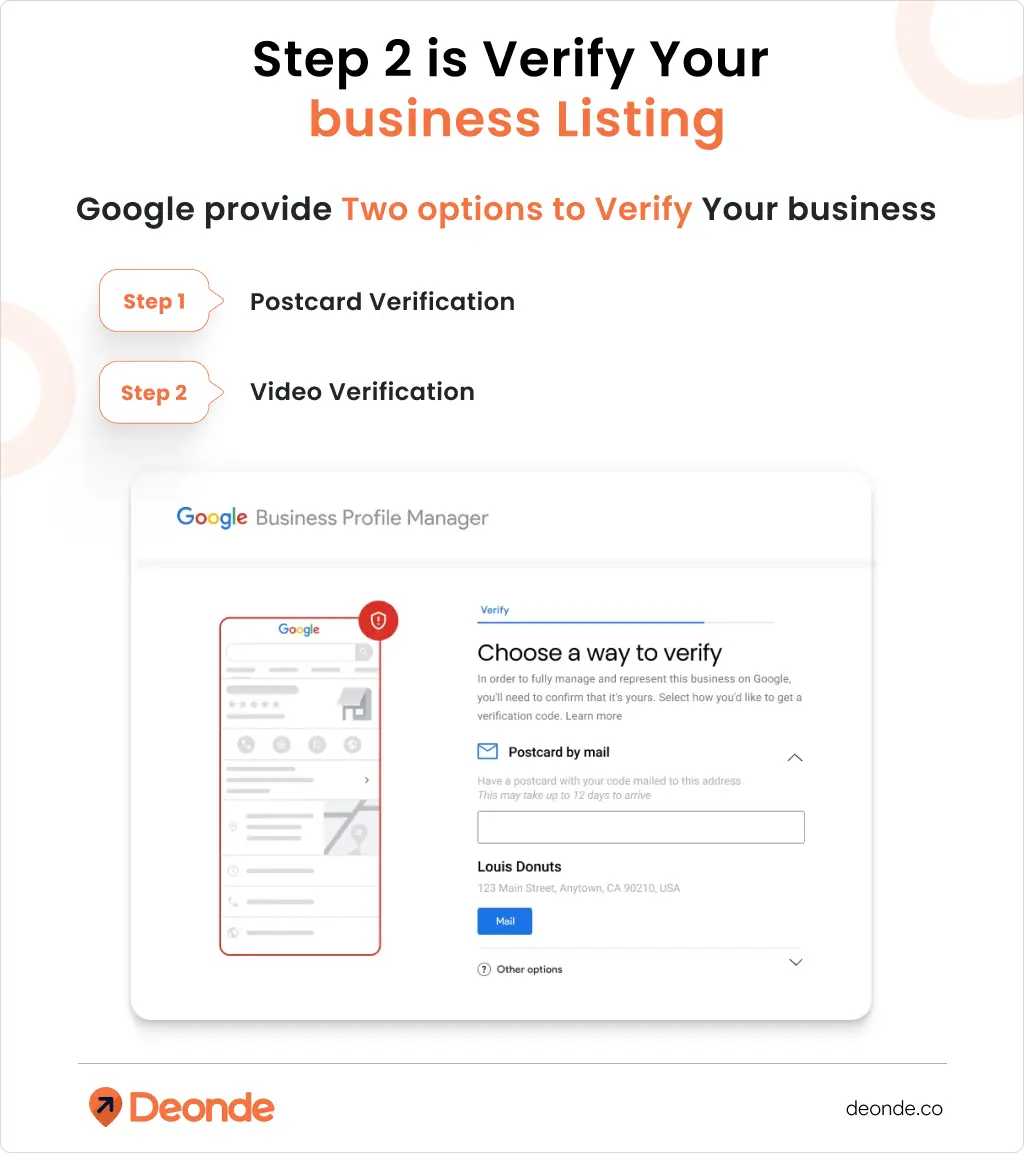
Verification is Google’s way of confirming your restaurant is real and you’re the one managing its profile. Without verification, you can’t fully edit your listing or use features like responding to reviews. Google offers several verification methods, but the options depend on your business type, location, and existing info Google has. In 2026
1. Postcard Verification (Most Common for Restaurants)
This is the standard method for restaurants with a physical location, as it confirms your address.
- How It Works: Google sends a postcard with a unique 5-digit code to the address you entered. It arrives in 7–14 days (up to 20 days in some areas).
- Steps:
- In your Google Business Profile dashboard, select “Get Verified” and choose “Postcard.”
- Double-check your address and add “Attn: Google Verification” to ensure it reaches you.
- Request the postcard and wait for it to arrive.
- Log in to your dashboard, enter the 5-digit code in the “Code” field, and click “Submit.”
2. Video Verification (Growing in Popularity)
Video verification is becoming more common in 2026 because it’s faster and lets Google see your business in real time. You can use a pre-recorded video or a live video call.
- How It Works: You record a short, unedited video (under 2 minutes) showing your restaurant’s location and proof you manage it. Google reviews it within 5 business days.
- Steps for Pre-Recorded Video:
- In your dashboard, select “Get Verified” and choose “Video Recording.”
- Use a mobile device to record (you can’t upload from a computer).
- Show:
- Location Proof: Street signs, building numbers, or landmarks to match your address to Google Maps.
- Business Proof: Your restaurant’s signage, menu, or interior (like the dining area or kitchen).
- Management Proof: Access to staff-only areas (e.g., unlocking the door or opening the register).
- Check the video for clarity, then upload it via your dashboard.
Beyond Listing: Optimize Your Google My Business Profile
Once verified, enhance your GMB page to make it as appealing and informative as possible:
- Add a Description: Write a compelling, concise description of your restaurant, highlighting what makes it unique (e.g., signature dishes, ambiance, or dietary options).
- Upload High-Quality Photos: Add vibrant images of your food, interior, exterior, and team. Listings with photos attract more clicks and engagement.
- Set Operating Hours: Clearly list your restaurant’s hours of operation, including any special hours for holidays or events.
- Upload Your Menu: Use GMB’s menu feature to showcase your offerings, making it easy for customers to browse before visiting.
- Post Updates: Share real-time updates like daily specials, events, or seasonal promotions to keep customers engaged.
- Encourage Reviews: Invite satisfied customers to leave reviews on your GMB page and respond promptly to all feedback to show you value their input.
Extra Tips to Make Your Listing Stand Out
- Use Keywords: Add phrases like “best tacos in [your city]” in your description to help Google find you.
- Post Often: Share updates about new menu items or deals to keep customers coming back.
- Highlight Features: Note things like “outdoor seating” or “vegan options” to attract specific crowds.
- Check Insights: Use GMB’s analytics to see what customers love and tweak your strategy.
Common Mistakes to Avoid And How to Fix Them
Even with the best intentions, it’s easy to make a few slip-ups. Here are some common pitfalls and how to steer clear of them.
Inaccurate Information: Nothing is worse than a customer showing up when you’re closed because your hours were wrong. Always keep your Name, Address, and Phone number (NAP) consistent across all online platforms.
Neglecting Your Profile: Once it’s set up, don’t forget about it! Respond to reviews, post updates, and check your insights regularly. An active profile performs much better.
Ignoring Bad Reviews: Every restaurant gets one eventually. Don’t hide! A polite, professional response to a negative review shows you’re committed to customer satisfaction, which can even impress other potential diners.
Duplicate Listings: Sometimes, Google might create a duplicate listing for your business. Keep an eye out for these. If you find one, you can report it to Google to have it removed or merged.
Conclusion
Setting up and optimizing your restaurant’s Google Business Profile is one of the most effective and affordable ways to attract new customers in today’s digital age. It’s your prime online real estate, visible to millions of hungry people searching for their next meal.
So, don’t wait! Take control of your online presence today. Claim your profile, fill it with mouthwatering details, and start engaging with your customers. Your delicious dishes deserve to be discovered!
FAQ
Q1: How long does it take to get my restaurant verified on Google?
A: Usually, postcard verification takes about 7-14 business days for the postcard to arrive.
Q2: What if my restaurant is already listed on Google, but I didn’t create the profile?
A: This happens a lot! You can claim ownership of an existing profile. Just search for your business on Google Maps or in the Google Business Profile manager. If someone else has already claimed it, you’ll see an option to request access from the current owner.
Q3: Can I manage multiple restaurant locations from one Google Business Profile account?
A: Yes, absolutely! If you have multiple restaurant branches, you can manage them all under a single Google account. You’ll create a separate profile for each location, and Google Business Profile allows you to easily switch between them. This is super handy for chain owners.
Q4: Is it free to list your business on Google?
A: Yes, absolutely! Listing your business on Google via Google Business Profile is 100% free. You won’t have to pay anything to create your profile, manage your information, or show up in Google Search and Maps.
Q5: Why is my business not publicly visible?
A: There are a few main reasons. The most common is that your profile hasn’t been verified yet. Google needs to confirm you’re the real owner before showing your listing. Other reasons include not filling out all your information, violating Google’s guidelines (like keyword stuffing your name), or your listing might be temporarily suspended. Always check your Google Business Profile dashboard for any alerts!