
"Deonde's team was fantastic in creating our own ordering app. It's made a real difference in how we operate, and our customers are finding it so convenient. Highly recommend their service!"Read Chowman Case Study →
Draw Your Delivery Zones. Set Your Rates. Go Live in Minutes.
Stop guessing where you deliver and how much it costs. Define precise delivery zones on a real map, set different fees per zone, and update everything in real time — no spreadsheets, no developer, no phone calls to IT.
- Polygon zone drawing — any shape
- Per-zone pricing & ETAs
- Real-time enable / disable
Unlimited
Delivery Zones per Outlet
Polygon
Draw Any Shape on a Real Map
Per-Zone
Pricing, Minimum Order & ETA
Real-Time
Enable / Disable Without Code
Trusted by 300+ brands worldwide










The Problem with Manual Zone Management
Most Platforms Lose Money Because Their Zones Are Wrong
Flat delivery fees, circular radius zones, and manually updated spreadsheets mean you're either undercharging far orders or losing customers at your doorstep. There's a better way.
Without Proper Zone Management
Flat delivery fee means you lose money on far addresses and overcharge nearby customers
Customers outside your area can place orders that get cancelled after prep — wasting food and time
Circle-based zones include areas you can't reach and exclude streets you're right next to
Every zone change needs a developer, IT ticket, or manual database edit
No way to quickly disable a zone when drivers are unavailable or during bad weather
With Deonde Zone Management
Set a different delivery fee, minimum order, and ETA for each zone — charge fairly every time
Customers outside your zones simply can't order for delivery — zero wasted orders or prep
Draw any polygon shape — trace streets, skip neighbourhoods, serve exactly the right area
Update, create, or delete zones yourself from the admin dashboard in seconds
Enable or disable any zone instantly — one toggle, live immediately, no restart needed
Core Capabilities
Three Things That Make Zone Management Actually Work
Drawing a zone is easy. What sets Deonde apart is the per-zone pricing logic, real-time control, and customer-side validation that makes your zones actually mean something.
Map-Powered
Draw Any Zone Shape on a Real Map
- Polygon drawing tool — trace any boundary on a live map, not just circles or radius rings
- Include specific streets, skip others — your zone follows your business logic, not a compass
- Create multiple zones per outlet — inner, mid, and outer rings each with their own rules
- Zones are saved instantly and applied to all new orders without any restart
Smart Pricing
Different Rules for Every Zone — Automatically
- Set a unique delivery fee for each zone — charge less nearby, more for distant areas
- Minimum order amount per zone — protect margins on far deliveries automatically
- Estimated delivery time per zone — customers see realistic ETAs before they order
- All zone rules apply automatically at checkout — no manual calculation or override needed
Instant Control
Enable, Disable, or Edit Any Zone in Real Time
- One toggle turns any zone on or off — no code, no ticket, takes under 5 seconds
- Disable far zones during peak hours when you need to protect kitchen capacity
- Edit zone boundaries, fees, or ETAs anytime — changes go live immediately
- View zone performance — orders, revenue, and average order value per zone in analytics
How It Works
Your First Zone is Live in Under 10 Minutes
No implementation project, no developer handoff. Open the zone builder in your Deonde admin and follow four steps.
Open the Zone Builder
Go to your Deonde admin dashboard and open the Delivery Zones section. A live interactive map opens ready for drawing.
Draw Your Zone
Use the polygon tool to trace your delivery boundary on the map. Click to place points, close the shape when done — any boundary, any area.
Set Zone Rules
Name the zone, enter the delivery fee, minimum order amount, and estimated delivery time. These apply automatically to all orders in this zone.
Save & Go Live
Hit save. Your zone is live instantly — customers in that area can now order for delivery with the correct fee and ETA shown at checkout.
Full Capabilities
Everything Included in Zone Management
Zone management is built into your Deonde subscription — no add-ons, no integrations, no extra setup. It works the moment you start.
Polygon / Freehand Zone Drawing
Trace any boundary on a live map — no circle or radius limitation.
Unlimited Zones per Outlet
Create as many zones as your operation needs — no cap on quantity.
Per-Zone Delivery Fee
Charge a different delivery fee for each zone — automatically applied at checkout.
Per-Zone Minimum Order Amount
Protect margins on far zones by enforcing a minimum basket size before delivery is offered.
Per-Zone Estimated Delivery Time
Show customers realistic ETAs based on their zone before they place an order.
Real-Time Zone Enable / Disable
Toggle any zone on or off instantly — no code, no support ticket, takes 5 seconds.
Partner-Level Zone Management
Let individual restaurant partners manage their own zones, or control all zones from the platform admin.
Customer-Side Zone Validation
Customers entering an out-of-zone address are notified before checkout — no cancelled orders.
Zone Performance Analytics
See orders, revenue, and average order value broken down per zone to optimise your coverage over time.
Who It's For
Zone Management for Every Delivery Operation
Whether you run one restaurant or a multi-city platform, Deonde's zone system scales to fit how you operate.
Single Restaurants
Cloud Kitchens
Multi-Location Chains
Food Delivery Startups
Grocery Platforms
Multi-Vendor Marketplaces
Ghost Kitchens
Home Chefs & Dark Stores
Customer Stories
Real Stories from
Real Stories from
Founders Who Scaled with Deonde
See what our customers say about transforming their delivery business
"Starting our own delivery app felt overwhelming before Deonde. But they made it incredibly simple. We launched in less than a week, and our sales have grown significantly since then."Read HungryJi Case Study →
"Deonde has completely transformed how we handle orders. The admin panel gives us full control, and our customers love the smooth ordering experience. Best investment we've made."Read Munch Zimbabwe Case Study →
Why Deonde
Built for Business
Built for Business
Growth, Not Just Ordering
Everything you need to run a world-class delivery operation, included from day one
Easiest Usability
Intuitive dashboards your team can master in hours. No technical expertise required to get started.
Enterprise-Grade Security
Bank-level encryption, GDPR compliance, and monitored cloud hosting, with custom SLAs available for enterprise plans. Your data and your customers' data stays safe.
Better ROI
Zero commissions means every order goes directly to you. Most businesses recover their investment within the first month.
Constant Support
Dedicated onboarding team and 24/7 technical support. We're with you from setup to scale.
Periodic Updates
New features shipped every month. No extra cost, no downtime. Your platform evolves with market demands.
Access Anywhere
Manage your business from any device, anywhere. Full-featured web dashboard plus native mobile apps.
FAQ
Delivery Zone Management — Common Questions
A delivery zone management system lets restaurants and food delivery platforms define exactly which geographic areas they deliver to. With Deonde, you draw zones on a real map using a polygon tool, set delivery fees and estimated times per zone, and control which zones are active at any moment. Customers outside your zones cannot place delivery orders — eliminating failed and cancelled deliveries due to out-of-range addresses.
Deonde supports polygon zone drawing — you can draw any shape on the map, not just circles or radius-based areas. Trace along specific streets, highways, or neighbourhood boundaries to define exactly the area you want to serve. This means you can include certain streets and exclude others within the same general area.
Yes. Each delivery zone in Deonde has its own configuration: delivery fee, minimum order amount, and estimated delivery time. Customers see the applicable delivery fee for their address before they place an order. This allows you to charge fairly — lower fees for nearby zones, higher fees for zones that are farther away or harder to serve.
Customers who enter an address outside all your active delivery zones will see a message indicating that their address is not currently serviceable for delivery. They will not be able to proceed with a delivery order to that address. This prevents failed orders, wasted kitchen prep, and frustrated customers who didn't realise you couldn't reach them.
Yes — you can create as many delivery zones per restaurant as you need. A common setup is 2–3 concentric zones with different pricing: Zone 1 (nearby) with a lower fee, Zone 2 (mid-range) with a moderate fee, and Zone 3 (far) with a higher fee or higher minimum order. All zones are managed from one screen in your admin dashboard.
Yes. Each zone has a toggle that enables or disables it instantly. You can turn off a far zone during peak hours when your kitchen is at capacity, disable zones during bad weather when delivery isn't safe, or enable a temporary zone for a special event — all from the Deonde admin dashboard, without any developer involvement.
Both options are available. In a multi-vendor marketplace, the platform admin can set and enforce delivery zones on behalf of all partner restaurants. Alternatively, the platform can grant partner restaurants access to manage their own zones — each partner configures their own delivery area, fees, and timings independently through the Partner App.
Definition
What Is Delivery Zone Management in Food Delivery?
Delivery zone management is the process of defining, configuring, and dynamically adjusting the geographic areas within which a restaurant or delivery operator accepts and fulfills orders. Zones are typically defined as radius circles or custom polygons on a map and can have different minimum order values, delivery fees, and estimated delivery times per zone. Effective zone management balances maximizing delivery coverage to grow revenue with maintaining delivery speed and driver efficiency to protect service quality.
- Custom Zone Polygons Operators draw precise delivery boundaries on an interactive map, allowing them to follow natural geographic boundaries like rivers, highways, or neighborhood edges rather than arbitrary circles
- Zone-Specific Pricing Different delivery fees or minimum order thresholds can be set per zone, allowing operators to charge more for longer-distance deliveries while keeping nearby orders affordable
- Dynamic Zone Adjustment Zones can automatically shrink during peak hours when driver capacity is constrained, preventing over-promise on delivery times and protecting customer satisfaction
By enforcing a maximum zone size relative to available driver capacity, the platform ensures no order is dispatched to a driver who cannot realistically complete it within the quoted delivery time. When drivers become unavailable (breaks, end of shift, high volume), the system automatically tightens the active zone so only nearby customers can place orders — rather than accepting orders the operation cannot fulfill on time. Operators can also pre-schedule zone expansions for known high-demand periods like lunch and dinner rushes, with automatic reversion to standard zones afterward.
Part of the Deonde Platform
Explore the Full Food Delivery Marketplace Platform
This feature is part of Deonde's complete multi-restaurant food delivery marketplace — used by 300+ businesses across 24+ countries to manage vendors, drivers, orders, and revenue from one platform.
Further Reading on Delivery Zone Management
View all articles
Blog

How To Expand Your Food Delivery Business To A New City
Ready to scale? Learn exactly how to expand your food delivery business to a new city in 2026. Master multi-market tech and avoid costly mistakes.
Blog
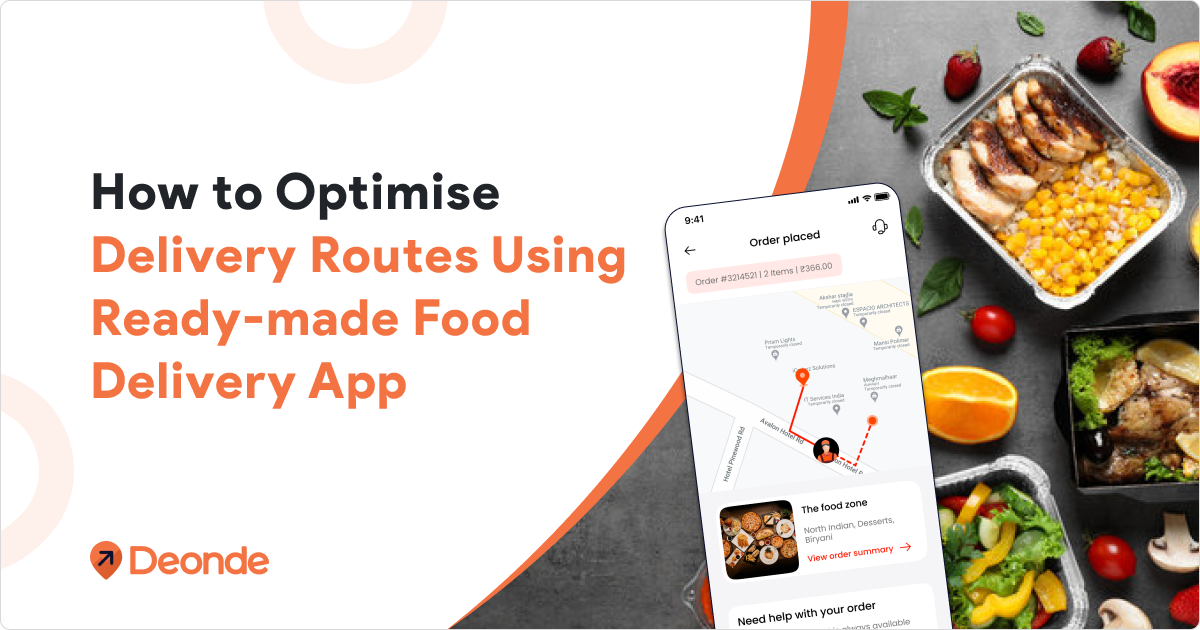
Food Delivery Route Optimization The Complete Guide 2025
Boost your delivery profits with food delivery route optimization. Expert guide on reducing costs, improving efficiency & maximizing ROI.
How-To
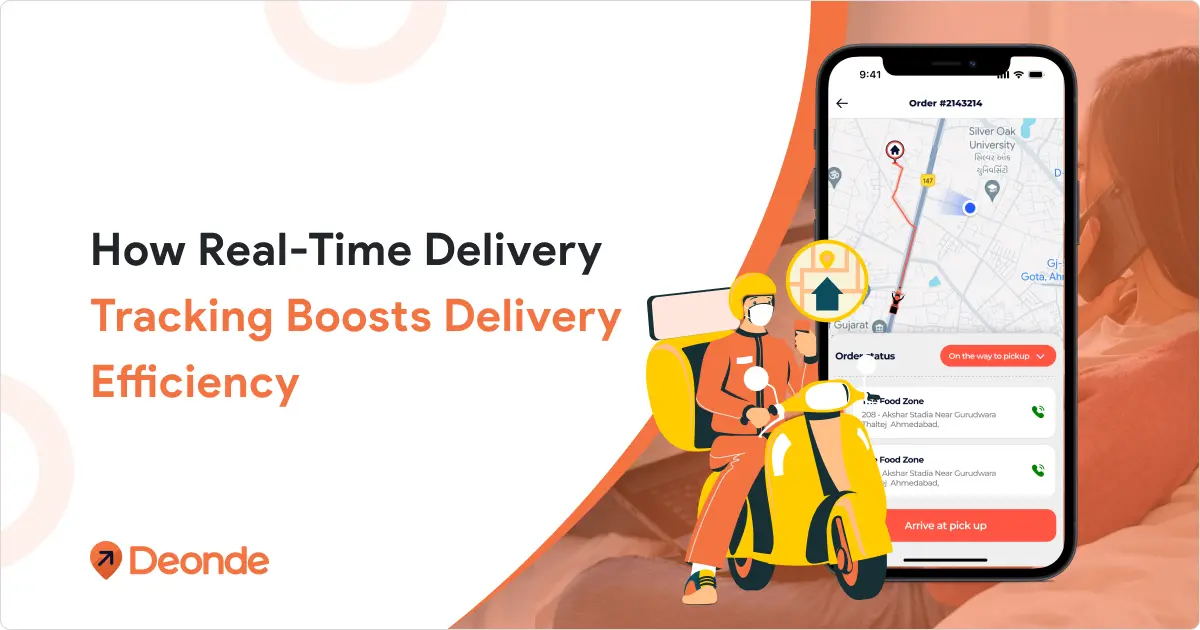
Real-Time Delivery Tracking: Impact On Delivery Efficiency
See how real-time delivery tracking improves last-mile delivery efficiency, reduces costs, and keeps customers informed. A guide for delivery businesses.