A restaurant owner in Dubai running a mid-volume delivery operation shared something that stuck with us: he was doing 300 orders a week through third-party apps and netting less than a part-time employee’s wage from it after commissions. The food was delicious. The demand was there. The platform was eating the profit.
According to our research, 67% of diners continue to prefer direct ordering channels. This presents a significant opportunity for restaurants to capture higher margins.
That’s the exact problem a custom restaurant ordering website solves — and the part that surprises most operators is how fast you can create a website for a restaurant today without writing a line of code or hiring a single developer.
We’ve helped restaurants across 20+ countries go live with their own branded ordering websites. This guide walks through exactly how to do it.
Why Restaurants Are Walking Away From Third-Party Platforms
The numbers are straightforward. Third-party apps like DoorDash, Uber Eats, and Talabat charge restaurants between 15% and 30% per order in commissions. On a $40 order, that’s $6–$12 gone before your kitchen has even started cooking.
What’s less talked about is what else you lose. The customer who orders from you on Uber Eats is, in the platform’s view, their customer — not yours. You don’t get their email. You don’t get their order history. You can’t send them a promo next week. The app owns that relationship, and it takes a cut every single time they come back.
A direct commission-free restaurant website flips this completely. You keep 100% of the revenue and 100% of the customer data — and you build loyalty under your brand, not theirs.
What a Custom Restaurant Ordering Website Actually Gives You
“Custom” doesn’t mean built from scratch by a development team. It means branded to your restaurant — your logo, your colours, your domain, your tone. Customers land on your site, not a marketplace.
Here’s what that unlocks in practice:
Full margin retention. A restaurant doing $15,000/month in delivery orders and paying 25% commission is handing $3,750 away monthly. On an owned website with a flat SaaS fee, that $3,750 stays with you — every single month. A restaurant moving 30–50% of orders directly reports double-digit profit margin improvements.
You actually own customer data. When someone orders through your website, you get their name, email, phone, and order history. That’s your CRM. That’s your remarketing list. That’s how you send a birthday discount and get a repeat order without paying Uber Eats to show them a competitor first.
A brand experience you control. No competitor listings next to your menu. No algorithm decides whether your restaurant shows up. Your website, your ordering process, and your customers’ full attention are all under your control.
Custom Development vs. White-Label SaaS (Software as a Service): The Real Numbers
This topic is comparison most guides. Restaurant owners often assume “custom” means expensive custom development. That’s one option — but it’s rarely the right one.
|
Custom Developer Build |
White-Label SaaS Platform |
|
|
Upfront Cost |
$15,000–$50,000+ |
$0–$500 setup |
|
Monthly Cost |
$500–$2,000 (hosting + maintenance) |
$49–$299/month |
|
Time to Launch |
3–6 months |
3–7 days |
|
Design Changes |
Requires developer |
Self-managed dashboard |
|
Feature Updates |
Billed separately |
Included in subscription |
|
Payment Integration |
Built separately |
Pre-integrated |
|
Mobile Optimised |
Depends on scope |
Standard across all plans |
|
Ongoing Support |
Hourly dev rates |
Included |
The math is clear. A custom-built ordering website costs roughly $25,000+ before your first order. A white-label SaaS solution like ours gets you live for under $500 with the same branded outcome — and the ongoing costs are 80–90% lower.
For a restaurant operating on tight margins, the SaaS path isn’t just more affordable. It’s the smarter business decision.
How to Launch Your Custom Restaurant Ordering Website Without a Developer
Here’s the exact flow we walk our partners through when they ask us how to make a food ordering website for their restaurant. No technical background needed at any stage.
Step 1: Choose a Platform Built for Restaurants — Not Generic Businesses
Generic website builders like Wix or Squarespace can look like a restaurant site. But they’re not built for the operational reality of food delivery — delivery zone management, order routing, driver assignment, real-time tracking — these need native support, not bolt-on plugins.
We recommend choosing a platform built specifically for food businesses. Our restaurant website builder is designed with every feature a restaurant needs already built in — no plugin hunting, no compatibility issues, no surprise fees when you need a feature that should have been standard.
The criteria that matter most: commission-free ordering, your own domain, built-in payment processing, delivery zone control, and mobile-first design out of the box.
Step 2: Set Up Your Brand Identity
This takes about 20–30 minutes with a good platform. Upload your logo, set your brand colours, and choose a template that matches your restaurant’s vibe — whether that’s a fast-casual feel or an upscale dining aesthetic.
Your domain matters here. “orderfrom[yourrestaurantname].com” or simply “[yourrestaurantname].com/order” tells customers immediately that they’re ordering directly from you. It builds trust and strips out any association with a third-party middleman.
Step 3: Build Your Digital Menu
This step catches people off guard — not because it’s hard, but because it’s worth doing carefully. An unorganised menu can result in lost orders.
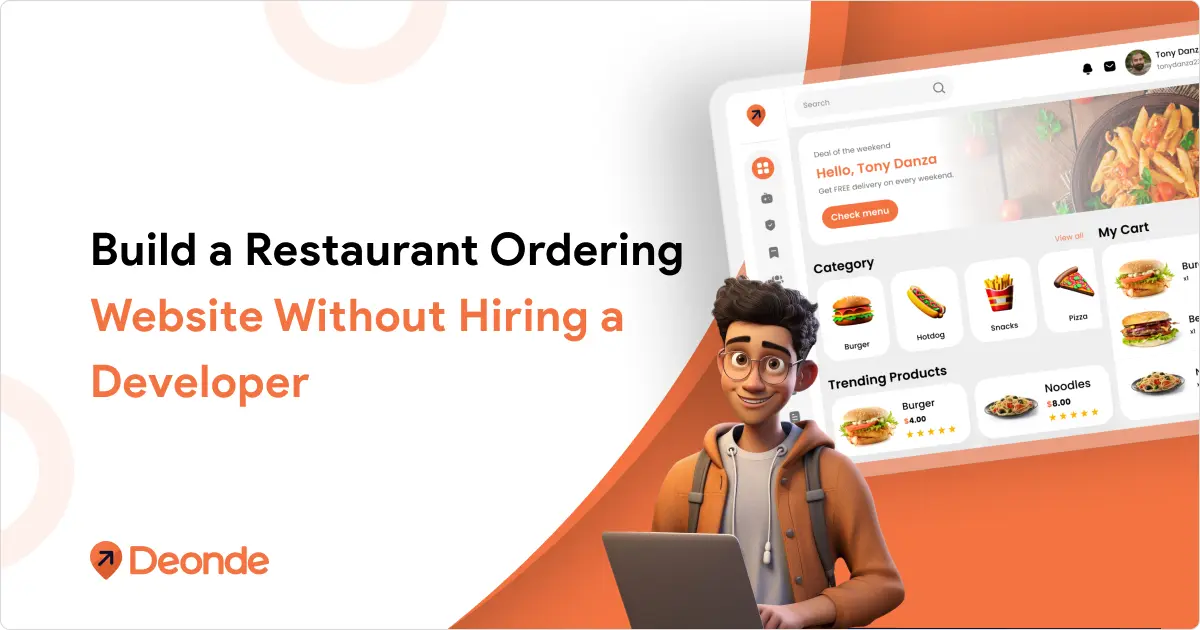
Group items logically. Use real photos of your actual dishes — stock images of generic food do not convert. Add descriptions that answer the “why order this?” question, not just what the dish is. Include modifiers (size, toppings, add-ons) so customers can customise without calling you.
If your menu changes seasonally or weekly, ensure that your platform lets you update it yourself in under five minutes. Our platform allows you to make updates without needing a developer or submitting a support ticket.
Step 4: Configure Payments, Delivery Zones, and Slots
This is where your delivery zone management setup directly affects profitability. Set your zones based on actual delivery radius — not a flat circle. Charge appropriately for distance. Set minimum order values per zone to protect your margins.
For payments, connect your preferred gateway. Most modern restaurant SaaS platforms support Stripe, PayPal, Razorpay, and local gateways — often pre-integrated. Our payment system supports multiple gateways and COD in the same checkout flow.
Delivery time slots stop you from getting overwhelmed during peak hours. Configure your kitchen capacity into the system — not just your geographic reach, to ensure that you can effectively manage orders and maintain service quality during busy periods.
Step 5: Go Live and Connect Your Domain
Once your menu, brand, and operational settings are ready, you publish. On our platform, this means your website goes live within minutes of setup completion.
If you already own a domain, point it to your new ordering website. If you don’t, most platforms let you buy one directly during onboarding. The goal: customers should be able to reach your ordering page at a clean, branded URL from day one.
Test the ordering flow yourself before promoting it. Place a test order. Go through the checkout. Confirm the confirmation email looks right and arrives in under 60 seconds.
Step 6: Drive Traffic From Third-Party Apps to Your Own Website
This is the step 90% of guides completely skip — and it’s the one that determines whether your website actually generates orders or sits idle.
Start with your packaging. Every delivery order going out through Uber Eats tonight is an opportunity to put a flyer inside that says “Order direct at [yourwebsite.com] and save on fees.” That customer already trusts you. Give them a reason to come back through your own channel.
Use your Google Business Profile. Add your ordering link there — Google allows restaurants to list a direct ordering URL, and it shows up prominently in local search results. Use our loyalty program to reward customers who shift to direct ordering. Give them points. Give them a discount on their second direct order. Make choosing your website feel like the smarter option. The NCR Voyix 2025 Customer Experience Report reveals that 58% of diners prefer restaurant websites or apps, citing convenience and rewards as the primary reasons.
Run an SMS or email campaign to any customers whose contact details you already have. “We’ve launched our own website — order direct for 10% off this week.” Track which coupon codes they use to see what drives conversion.
Must-Have Features Before You Go Live
Not every platform is equal. Before you commit, verify that these must-have restaurant website builder features are included—not locked behind a premium tier.
- Mobile-first checkout: Over 70% of food orders are placed on mobile. If your checkout is clunky on a phone, you lose the order.
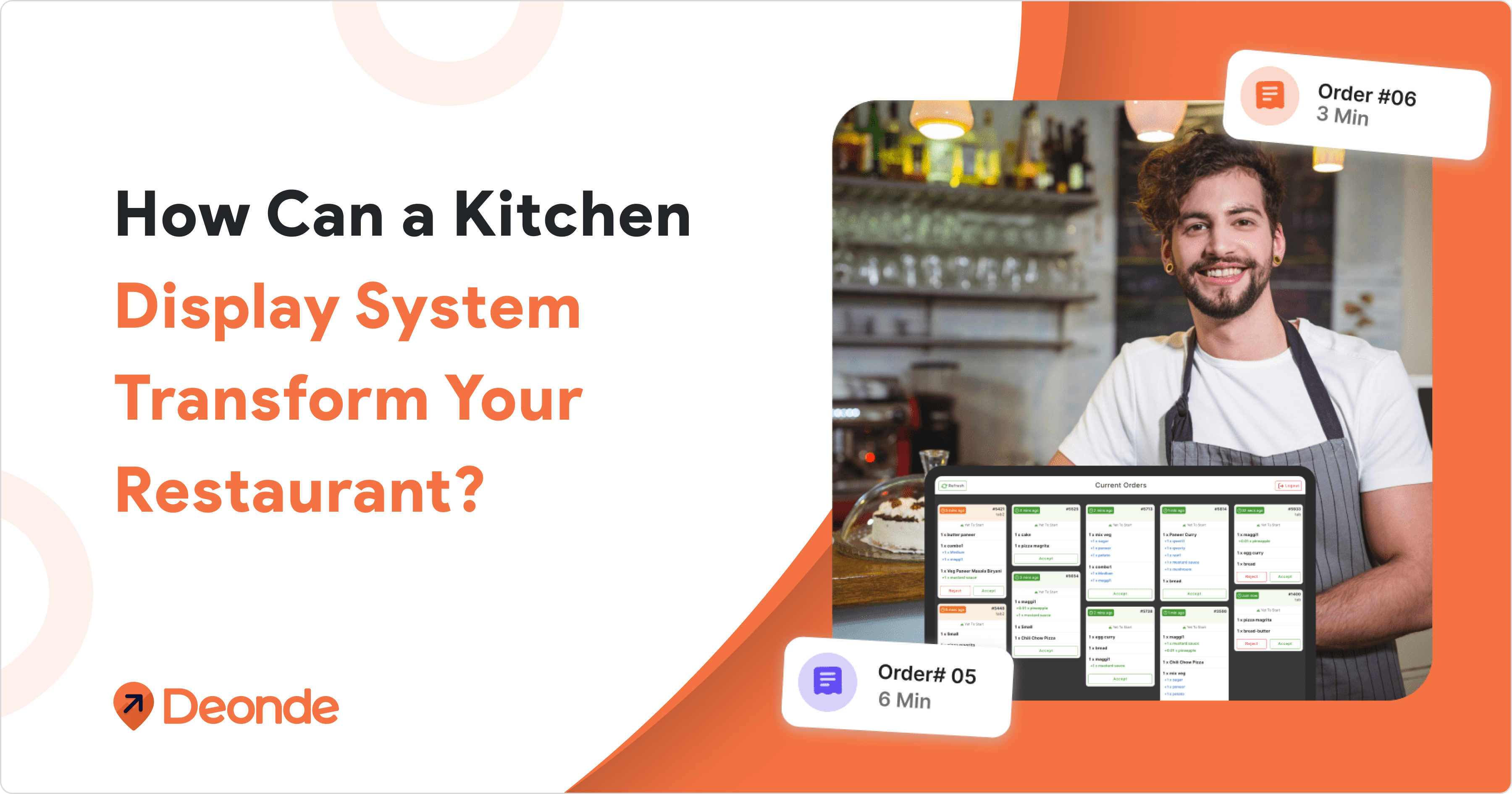
- Real-time order notifications: Kitchen staff need to know the moment an order comes in. Push notifications and printer routing aren’t optional.
- Driver management: If you run your own delivery, your platform needs to handle driver management — assignment, tracking, and settlement — from the same dashboard.
- Analytics: You need to know which dishes convert best, what your average order value is, and which hours drive the most orders. Our restaurant analytics dashboard gives you this without needing a separate tool.
- White-label control: Your ordering website should carry zero mention of the platform provider. Customers should see your brand — not ours.
What Happens to Restaurants That Get This Right
📌 Real Example: Munch Zimbabwe, Harare — Multi-Category Delivery Platform
Tatenda Jakarasi, Founder of Munch, wanted to build Zimbabwe’s first serious multi-category delivery platform — covering food, grocery, and essentials — without spending months in development or handing commissions to third-party apps.
Using our white-label platform, Munch went from zero to live in 7 days. The full setup included a branded customer app, driver app, merchant portal, and admin dashboard — all under the Munch name, with native EcoCash and OneMoney payment integration built in from day one.
Source: Munch Zimbabwe Case Study — Deonde
The shift doesn’t happen overnight. But it compounds. Every customer who orders direct once is a customer you can reach again without paying a platform to show them your listing.
The Longer You Wait, The More Commission You Pay
Every week your orders run through a third-party platform is a week where 15–30% of your revenue leaves your business. The technology to fix it is available today, it’s affordable, and it doesn’t require a development team.
We’ve helped restaurants from single-location cafés to multi-outlet food businesses launch their own white-label ordering platform and start taking direct, commission-free orders within days. The setup is straightforward — and our onboarding team handles the parts that aren’t.
If you’re ready to own your ordering channel, start your free trial, and we’ll have your custom restaurant ordering website live this week.

Frequently Asked Questions
How Much Does A Custom Restaurant Ordering Website Cost?
Using a white-label SaaS platform, setup costs range from $0 to $500, with monthly fees between $49 and $299 depending on features and scale. Custom developer builds start at $15,000 and can exceed $50,000 — with ongoing maintenance costs on top.
Can I Build A Restaurant Ordering Website Without Coding?
Yes — completely. Modern white-label SaaS platforms are built for restaurant operators, not developers. Everything from menu setup to payment configuration is managed through a visual dashboard. No code, no plugins, no technical background required.
How Long Does It Take To Launch A Restaurant Ordering Website?
With a platform like ours, most restaurants go live within 3 to 7 days. We spend time on menu entry and brand setup, not technical configuration. Some operators launch in 24 hours.
How Do I Get Direct Orders From My Restaurant Website?
Start with your existing customer touchpoints: packaging inserts, your Google Business Profile ordering link, social media bio links, and an email or SMS campaign to any customers you already have contact details for. Pair these with a first-order discount through your website and a loyalty program to drive repeat direct orders.